GitHub Copilot: The Ultimate Guide to Automating Your Workflow

GitHub Copilot: The Ultimate Guide to Automating Your Workflow

To get started with GitHub Copilot, you'll need to install the Copilot extension in your Integrated Development Environment (IDE). Here's how you can set it up in Visual Studio Code (VS Code): Install the Extension: Open Visual Studio Code. Go to the Extensions Marketplace by clicking on the Extensions icon in the sidebar or pressing Ctrl+Shift+X. In the search bar, type "GitHub Copilot." Click on the "Install" button next to the GitHub Copilot extension.
Inside the Magic: How Transformers and Large Language Models Revolutionize AI

Inside the Magic: How Transformers and Large Language Models Revolutionize AI

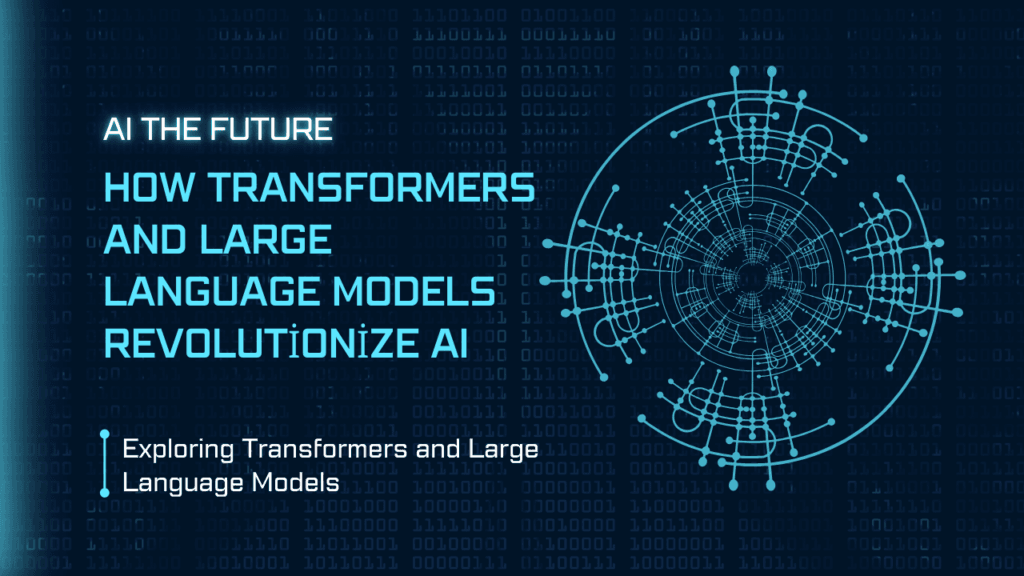
Large Language Models (LLMs) use the transformer architecture. They’re like super-smart text generators that can write essays, answer questions, and even spin up stories. They’re trained on massive amounts of data, so they can create text that feels natural and flows well. Transformers and LLMs are major breakthroughs in NLP. They help AI understand and interact with human language much better, making it possible to handle more complex tasks and provide more accurate and useful responses.
How to Create a Data Visualization Dashboard with Python

How to Create a Data Visualization Dashboard with Python

Imagine a dashboard in your car. It shows you everything you need to know to drive safely and efficiently: your speed, fuel level, and engine temperature. A data visualization dashboard works in a similar way, but instead of monitoring your car, it helps you keep track of important information from your data. A data visualization dashboard is a visual tool that puts your data into an easy-to-read format. It turns numbers and statistics into interactive charts, graphs, and maps that you can quickly understand.
Unlock the Power of Generative AI in Game Development

Unlock the Power of Generative AI in Game Development

Generative AI creates new content by learning from existing data. In game development, it helps design levels, characters, stories, and more. This reduces the workload for developers and offers fresh and unique experiences for players. Generative AI in game development, such as AI character design and AI animation, enhances the creativity and adaptability of games, leading to more engaging and diverse gameplay.
How to Generate Synthetic Data using GenAI

How to Generate Synthetic Data using GenAI

Generating synthetic data with AI helps overcome challenges related to data scarcity and privacy. It allows researchers and developers to create large, high-quality datasets that are similar to real-world data. This improves the performance of machine learning models without the need for extensive data collection efforts.
How to build a Resume Parser using Python

How to build a Resume Parser using Python

In this Article, we will discuss how to build a resume parser using Python. We will cover everything from the basics of resume parsing to the detailed steps of coding a parser. The post will include practical examples and a complete Python resume parser tutorial. You will learn how to extract resume data, automate resume parsing, and use libraries and tools to create an efficient resume parser project. By the end of the tutorial, you'll be able to implement a resume parser script and apply it to real-world scenarios in HR tech.
How to Build a Multilingual Chatbot with LLMs

How to Build a Multilingual Chatbot with LLMs

A multilingual chatbot is a smart AI system that can chat with people in multiple languages. Imagine having a virtual assistant that understands and responds to you in your own language, whether it's English, Spanish, Chinese, or any other language. This is especially handy for businesses that serve customers all around the world.
How to perform data analysis using pandas?

How to perform data analysis using pandas?

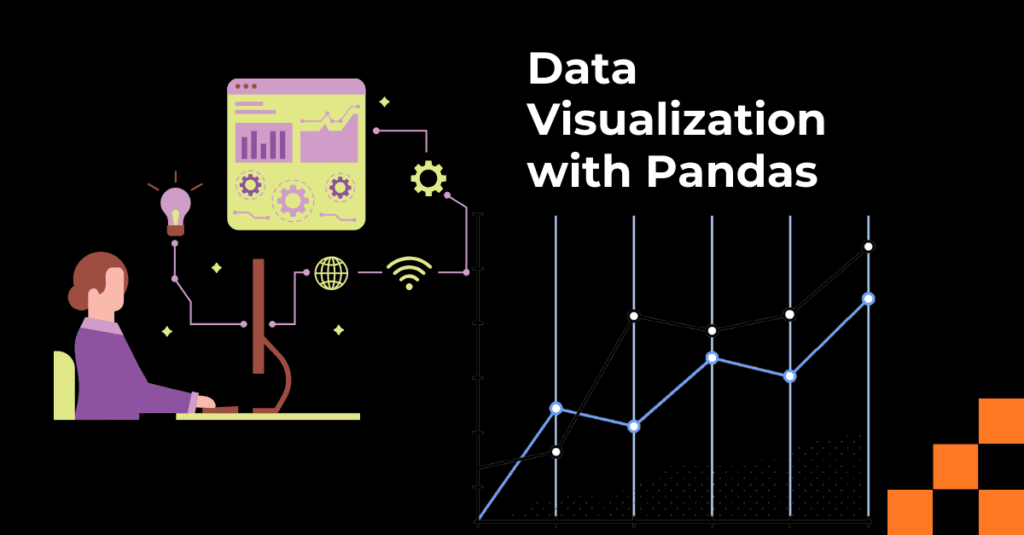
To begin working with Pandas for data analysis, follow these steps: Installing Pandas via pip: Open your command prompt or terminal and type pip install pandas. This installs Pandas and its dependencies. Setting up the environment (Jupyter Notebook, IDEs): Use Jupyter Notebook for interactive data analysis or any Python IDE like PyCharm or VS Code for scripting.