Why sorted() Is Safer Than list.sort() in Production Python Systems

Why sorted() Is Safer Than list.sort() in Production Python Systems

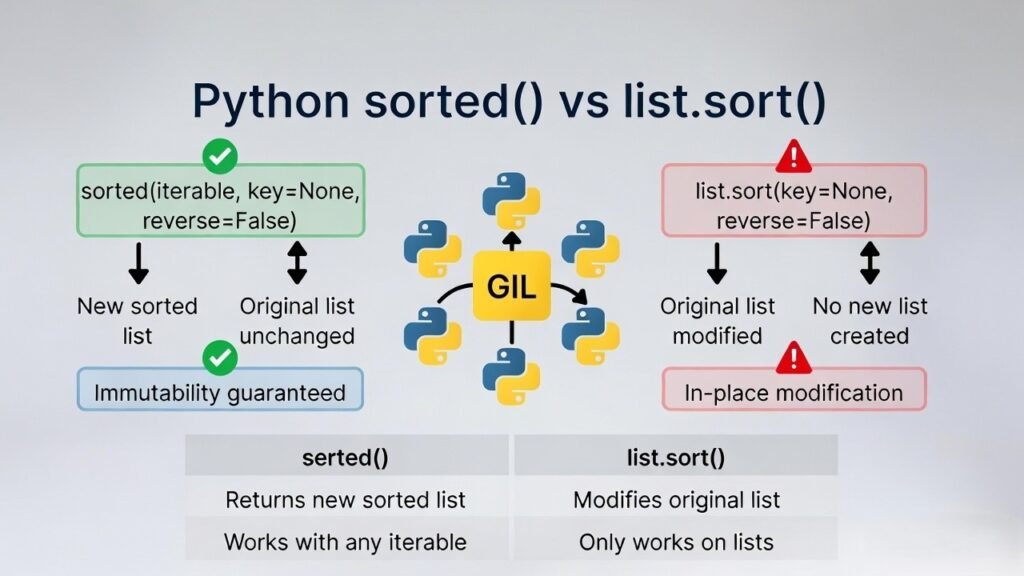
Most Python tutorials cover this in one sentence: sort() modifies the list in place and returns None; sorted() returns a new sorted list. That is accurate. But it leaves out the part that actually matters when you are writing a backend service. In a short script, the difference is cosmetic. In a service where functions share data — through caches, through parameters, through objects passed across layers — sort() creates a category of bug that is genuinely hard to find. Not because it is complicated, but because it does not crash. The data just looks slightly wrong, and you spend time looking in the wrong places. This article works through the mechanics: what Python does in memory when you call each function, what the GIL actually protects (and a common misconception about it), and a realistic incident pattern that shows how a single .sort() call can quietly corrupt shared state for weeks.
Monotonic Sequence in Python: 7 Practical Methods With Edge Cases, Interview Tips, and Performance Analysis

Monotonic Sequence in Python: 7 Practical Methods With Edge Cases, Interview Tips, and Performance Analysis

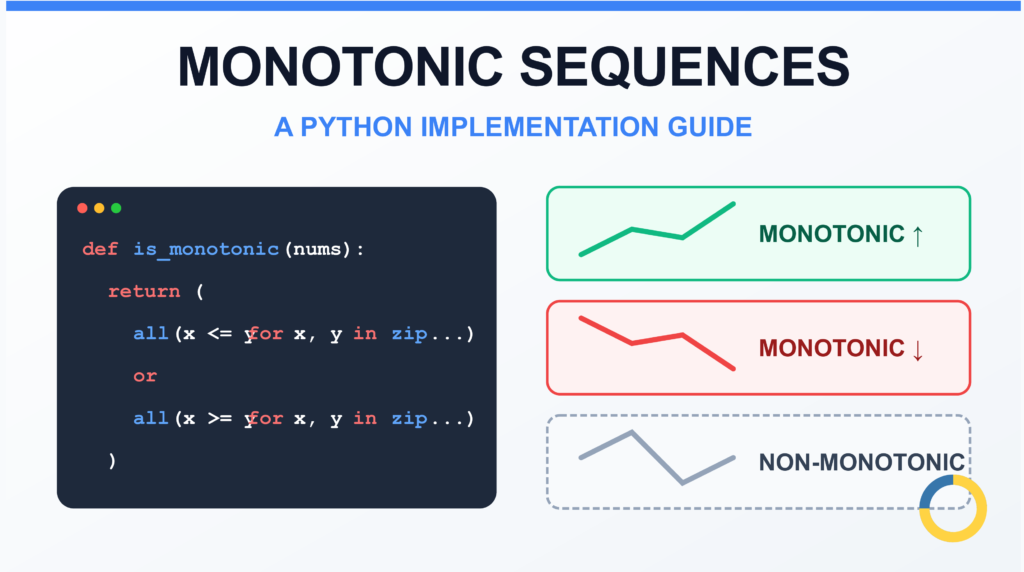
You have a list of stock prices over time, temperature readings from a sensor, or model loss values during training. You need to verify if the data is trending consistently in one direction. The naive approach most developers reach for — sorting the list and comparing it with the original — works, but it is unnecessarily slow and creates a full copy of your data in memory.
How to Check if Dictionary Values Are Sorted in Python

How to Check if Dictionary Values Are Sorted in Python

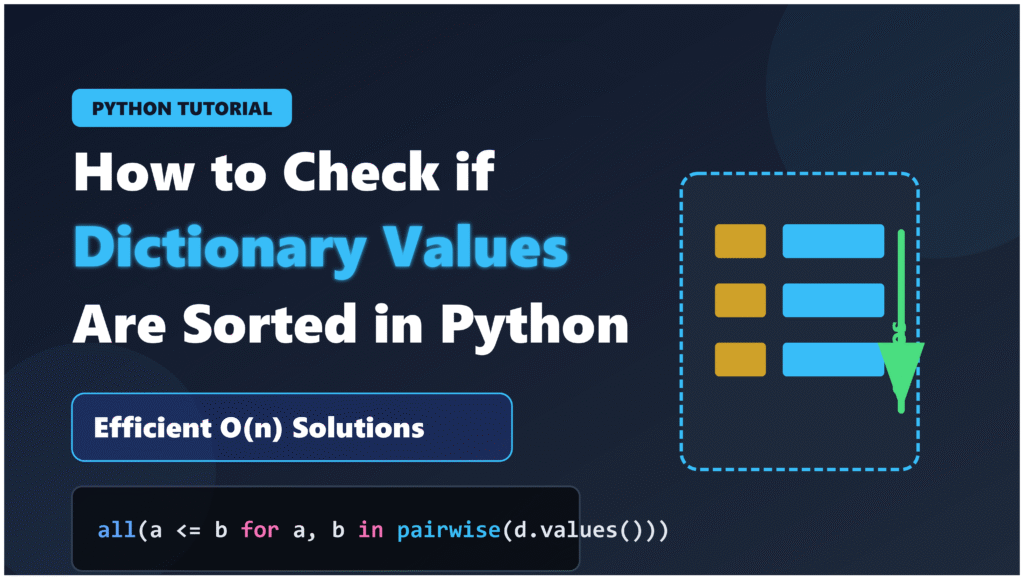
The phrase “check if dictionary values are sorted” is ambiguous. It could mean two completely different things depending on your data structure and what you’re validating: Scenario 1: Values are sequences — Each dictionary value is itself a list or tuple, and you want to verify that each one is internally sorted. Example: {"a": [1, 2, 3], "b": [4, 5, 6]} — check if both [1, 2, 3] and [4, 5, 6] are sorted. Scenario 2: Values are scalars — Dictionary values are numbers or strings, and you want to check if they form a sorted sequence when iterated in key order. Example: {"x": 10, "y": 20, "z": 15} — check if the values 10, 20, 15 are sorted when taken in that iteration order. Both scenarios are common in real code. The first appears when you’re storing collections indexed by some category. The second appears when the dictionary itself represents an ordered mapping — timestamps to values, ranks to scores, sequential IDs to metrics. We will cover both, starting with Scenario 1 because it is the more frequent case.
Check If a Tuple Is Sorted in Python — 5 Methods Explained

Check If a Tuple Is Sorted in Python — 5 Methods Explained

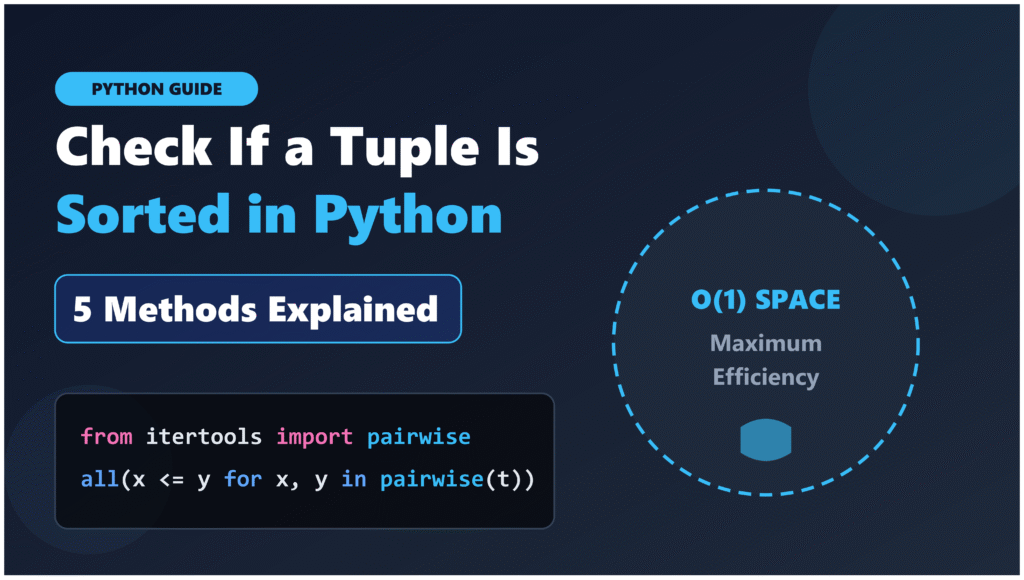
Checking whether a tuple is sorted in Python follows the same logic as checking a list — compare consecutive elements pairwise — but there are a few practical differences worth understanding before writing code. Tuples are immutable. You cannot sort them in place. Calling .sort() on a tuple raises an AttributeError because that method does not exist for tuples. sorted() works, but it returns a new list, not a tuple. This means any sort-based approach for checking order requires an extra conversion step and creates new objects in memory — which is unnecessary if all you need is a boolean answer.
How to Check If a List Is Sorted in Python (Without Using sort()) – 5 Efficient Methods

How to Check If a List Is Sorted in Python (Without Using sort()) – 5 Efficient Methods

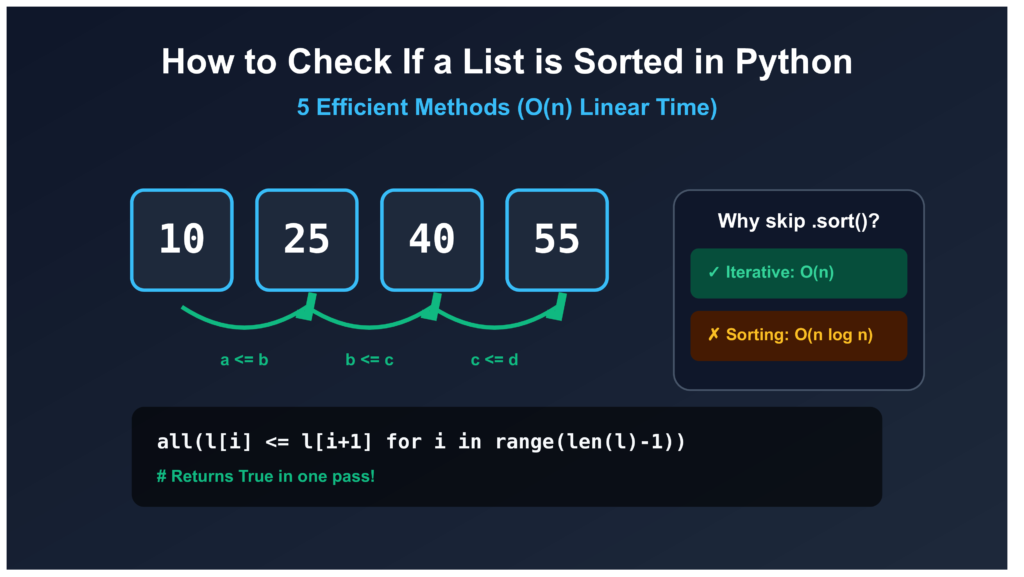
There is a subtle but costly mistake that appears in a lot of Python code: using sort() or sorted() just to check whether a list is already sorted. The most common version looks like this: The problem is that Python’s sorting algorithm (Timsort) runs in O(n log n) time and creates an entirely new list in memory. If you have a million-element list, that is roughly 20 million comparison operations and a full copy of the list — just to answer a yes or no question. When the list is already sorted, that is pure waste. The five methods below all run in O(n) time and stop the moment they find the first out-of-order pair. No unnecessary work, no copies.
How Python Searches Data: Linear Search, Binary Search, and Hash Lookup Explained

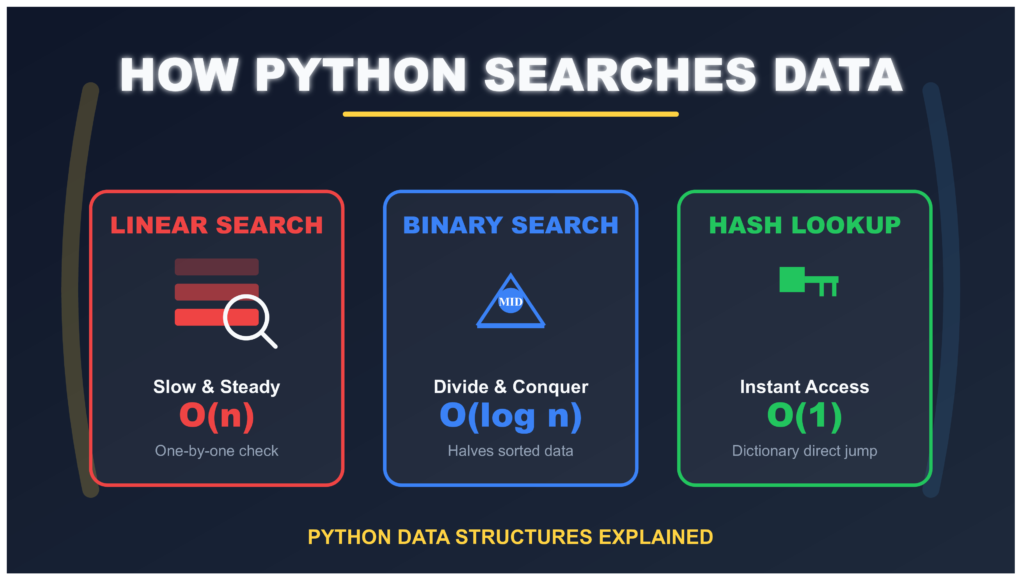
How Python Searches Data: Linear Search, Binary Search, and Hash Lookup Explained

Think of it like looking for a book. You can: Check every book on the shelf one by one (that’s linear search) If books are sorted alphabetically, jump to the middle and eliminate half the books at once (that’s binary search) Use a catalog that tells you exactly where the book is (that’s hash lookup) Python does the same thing with your data. The search method depends on what kind of collection you chose when you wrote your code. Let’s understand how each method works, when to use them, and why it matters for your programs.
I Implemented Every Sorting Algorithm in Python — The Results Nobody Talks About (Benchmarked on CPython)

I Implemented Every Sorting Algorithm in Python — The Results Nobody Talks About (Benchmarked on CPython)

Last month, I built six sorting algorithms from scratch in Python. Not because I needed them. Not because anyone asked. But because every coding tutorial makes it sound like understanding sorting algorithms means implementing them yourself. Here’s what happened: they all performed worse than I expected. Much worse. And not in the way your computer science textbook warns you about. This article is not another tutorial showing you how bubble sort works with cute animations. You can find a thousand of those. This is about what happens when you actually run these algorithms in Python, measure them properly, and realize that everything you learned in your algorithms class needs an asterisk that says “results may vary in interpreted languages.” If you came here to copy-paste sorting code for your project, stop right now. Use Python’s built-in sorted() function. This article is for people who want to know why that advice exists and what happens when you ignore it.
How to Reverse a String in Python: Performance, Memory, and the Tokenizer Trap

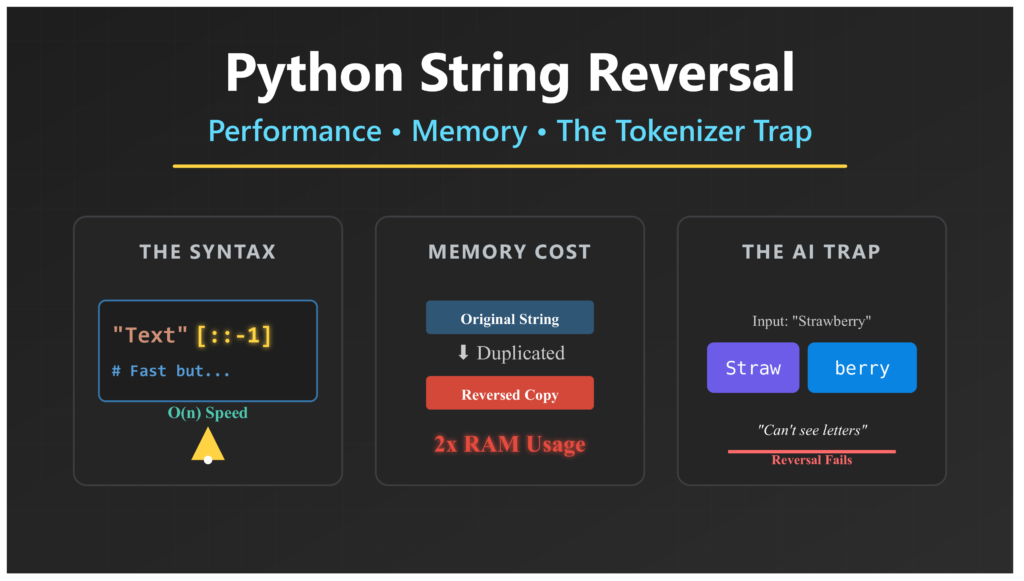
How to Reverse a String in Python: Performance, Memory, and the Tokenizer Trap

when you reverse the word “Python” to get “nohtyP”, your computer can do this in different ways. Some ways are faster. Some ways use less memory. For a short word, it does not matter much. But what if you need to reverse a huge text file that is 500 megabytes? Suddenly, the method you choose makes a big difference. In this article, we will look at three things. First, how Python actually reverses strings behind the scenes. Second, why some methods eat up your computer’s memory while others do not. Third, why AI language models often fail at this simple task—and what that tells us about building better AI systems.
How to Check Palindrome in Python: 5 Efficient Methods (2026 Guide)

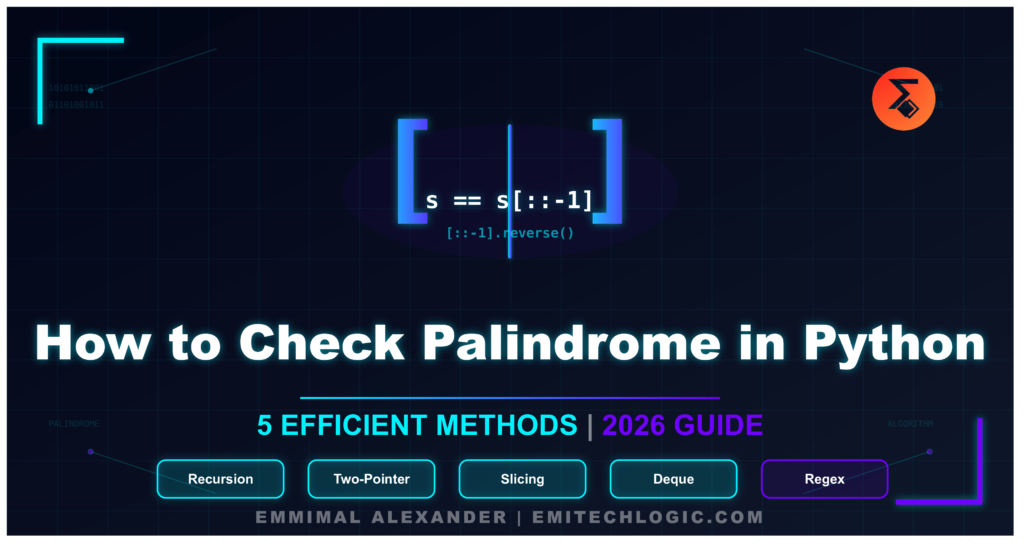
How to Check Palindrome in Python: 5 Efficient Methods (2026 Guide)

Let’s picture a ninja pulling off a perfect backflip. They begin in a low crouch, explode upward, rotate fully in the air, and land right back in that same crouch—balanced, steady, and exactly where they started. Now imagine playing that footage forward or backward, frame by frame. Nothing changes. The motion looks identical either way. That effortless, flawless symmetry is exactly what a palindrome feels like
Mastering Python Regex (Regular Expressions): A Step-by-Step Guide

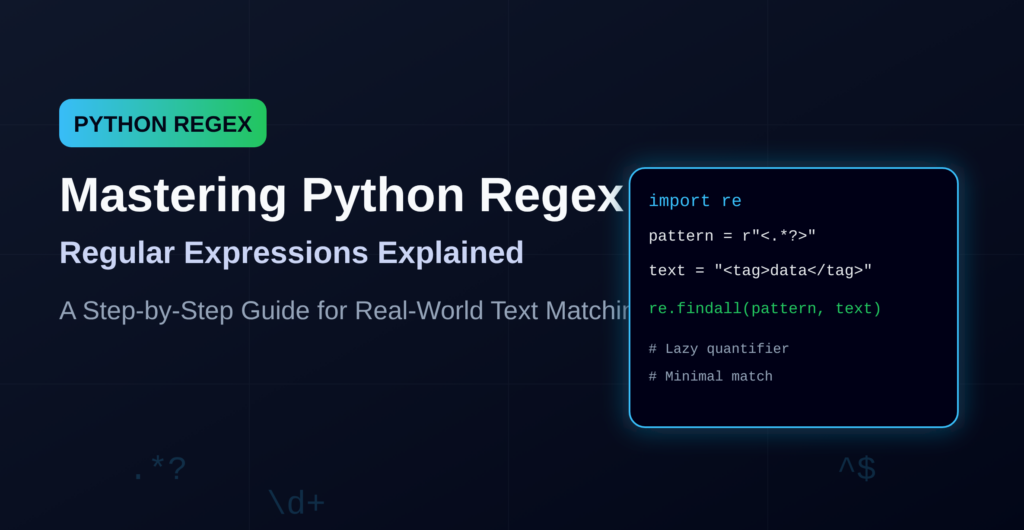
Mastering Python Regex (Regular Expressions): A Step-by-Step Guide

A regular expression is a special sequence of characters that defines a search pattern. This is like a super-powered “find” tool. Instead of just searching for an exact word like “cat”, a regex lets you describe a pattern of text you’re looking for, such as: Any word that starts with “c” and ends with “t” (cat, cot, cut, etc.) All email addresses in a big block of text All phone numbers in a certain format Only strings that look like valid dates In short: Regex = a mini-language for describing patterns in text.