Building Your First Web Application with Flask: Step-by-Step Guide

Building Your First Web Application with Flask: Step-by-Step Guide

Are you ready to explore web development? Building your first web application can feel overwhelming, but it doesn’t have to be! In this guide, we’ll show you how to create a Web Application with Flask. This popular framework for Python is both easy to use and powerful. Flask is great for beginners. It’s lightweight and flexible. You can learn quickly while still having the tools for real projects. Whether you want to create a personal blog or a portfolio site, Flask can help you bring your ideas to life. In this step-by-step guide, we’ll cover everything. We’ll start with setting up your environment and finish with deploying your app online. You’ll gain hands-on experience and build confidence as you create something unique. So let’s begin!
Create Your First Web App with Python and Flask

Create Your First Web App with Python and Flask

Creating your first web app with Python and Flask is an exciting step into the world of web development. If you're new to building websites but have some experience with Python, you'll find this guide easy to follow. Flask is a lightweight, flexible microframework that lets you create powerful web apps without the extra complexity. It's perfect for beginners! In this blog post, we'll walk you through everything you need to get started. From setting up Flask on your computer to creating a simple web app, you’ll learn the basics of Python web development. By the end, you’ll have a fully functioning app and a deeper understanding of how to use Flask to build more advanced projects.
AI in Web Development: How to Integrate Machine Learning into HTML Projects

AI in Web Development: How to Integrate Machine Learning into HTML Projects

Welcome to the world where AI meets web development! Imagine turning your ordinary HTML projects into something extraordinary with the power of machine learning. If you've ever wondered how to bring a touch of artificial intelligence to your websites, you're in the right place. In this blog post, we'll explore how to integrate machine learning into your HTML projects, transforming them from static pages into interactive, intelligent experiences. We'll break down the basics, share practical examples, and guide you through the tools and techniques that make it possible. Whether you’re looking to add smart features or simply curious about how AI can enhance your web development skills, you’ll find valuable insights and hands-on tips here. So, let's embark on this exciting journey and discover how to make your web projects not just functional, but truly smart and engaging!

How to Build a Stunning Business Website from Scratch

How to Build a Stunning Business Website from Scratch

Building a stunning business website from scratch is a must for establishing your strong online presence. Whether you have a small startup business or a well-established one, you must have a well-designed website to attract customers. Which helps you to highlight your services, and increase your trustworthiness. Here’s a step-by-step guide to creating an attractive business website using HTML, CSS, and JavaScript, with tips on integrating features and ensuring a perfect user experience.
HTML Game Design Made Easy: Build Your First Catch-the-Fruit Game

HTML Game Design Made Easy: Build Your First Catch-the-Fruit Game

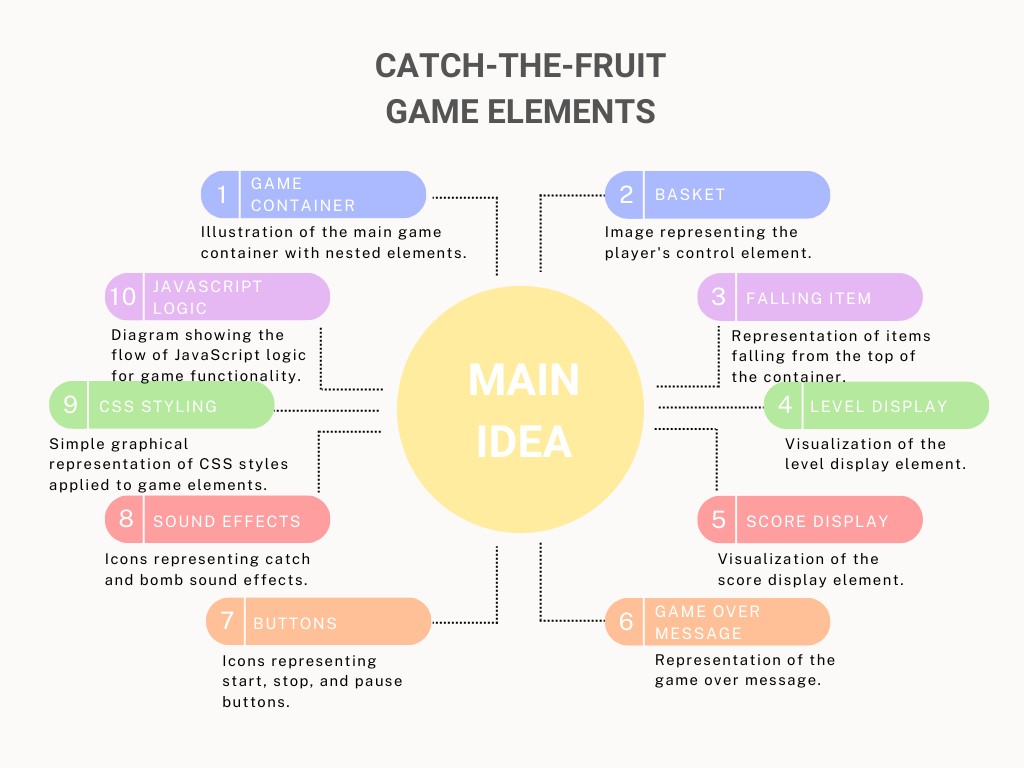
HTML, CSS, and JavaScript are powerful tools for creating interactive web content, including games. These technologies each play a crucial role in the development process. Let’s design this HTML Game fun and exciting. At the end of this article I provide the complete source code of this game. Before starting, first create a new game folder. In that folder create three separate files index.html, styles.css, script.js and also download some sounds like bomb sound, thunder sound in the same folder for sound effects.  Let’s start
Build an AI Image Generator Website with HTML, CSS and JavaScript

Build an AI Image Generator Website with HTML, CSS and JavaScript

Now it's time to build our most advanced AI-generated images from text using HTML/CSS and JavaScript. This includes many steps, where we combine HTML/CSS and JavaScript to create our wonderful AI Image Generator Website. On this Application, you can enter text prompts and get AI-generated images as a result. Let's explore each part and the entire process of constructing such a website in detail.