The While Loops in Python: An Ultimate Guide with Examples

The While Loops in Python: An Ultimate Guide with Examples

Now that you've gotten comfortable with for loops in Python, it's time to explore another essential loop: the while loop. If you're familiar with looping through a sequence a fixed number of times using for loops, you might wonder when and why you'd use a while loop instead. What is a While Loop in Python? A while loop in Python is a control flow statement that allows you to execute a block of code repeatedly as long as a certain condition is true. Unlike for loops, which iterate over a sequence (like a list or a range of numbers) a specific number of times, while loops continue running until the condition you’ve set becomes false.
Understanding the For Loops in Python: An Ultimate Guide with Examples

Understanding the For Loops in Python: An Ultimate Guide with Examples

When you start learning Python, one of the first things you'll encounter is the concept of loops, specifically the for loop. Now, if you’re anything like most beginners, you might be wondering what exactly a for loop is and why it's so important. Well, you're in the right place! In this section, we’ll break it down in a way that's easy to understand, so by the end of this course, you’ll feel confident using for loops in your own Python projects.
Practical Exercises on  Conditional Statements in Python

Practical Exercises on Conditional Statements in Python

Learning to code can be like solving a puzzle. Every piece you put together brings you closer to the bigger picture. One of the most important pieces in Python—and in programming in general—is understanding conditional statements. Mastering these "if," "else," and "elif" statements is key to writing smarter and more efficient code. This blog post offers practical exercises designed to help you get a solid grasp of conditional statements in Python. Instead of focusing on theory alone, we'll work through hands-on examples that demonstrate how these concepts play out in real-world scenarios. The goal is to make these exercises clear and engaging, so by the end, using conditional statements in your own projects will feel natural. Curious about what Python can do, or looking to sharpen your coding skills? Stick around. You'll walk away with practical knowledge you can apply right away. Let’s get started!
Nested Conditionals in Python: The Ultimate Guide

Nested Conditionals in Python: The Ultimate Guide

In programming, one of the most fundamental concepts you'll encounter is the conditional statement. These are the "if" statements that allow your code to make decisions based on certain conditions. But what happens when you need to make decisions within decisions? This is where nested conditionals come into play. Understanding how to use nested conditionals effectively can significantly improve your coding efficiency and make your programs more powerful.
Easy Guide to conditional statements: If, Elif, and Else

Easy Guide to conditional statements: If, Elif, and Else

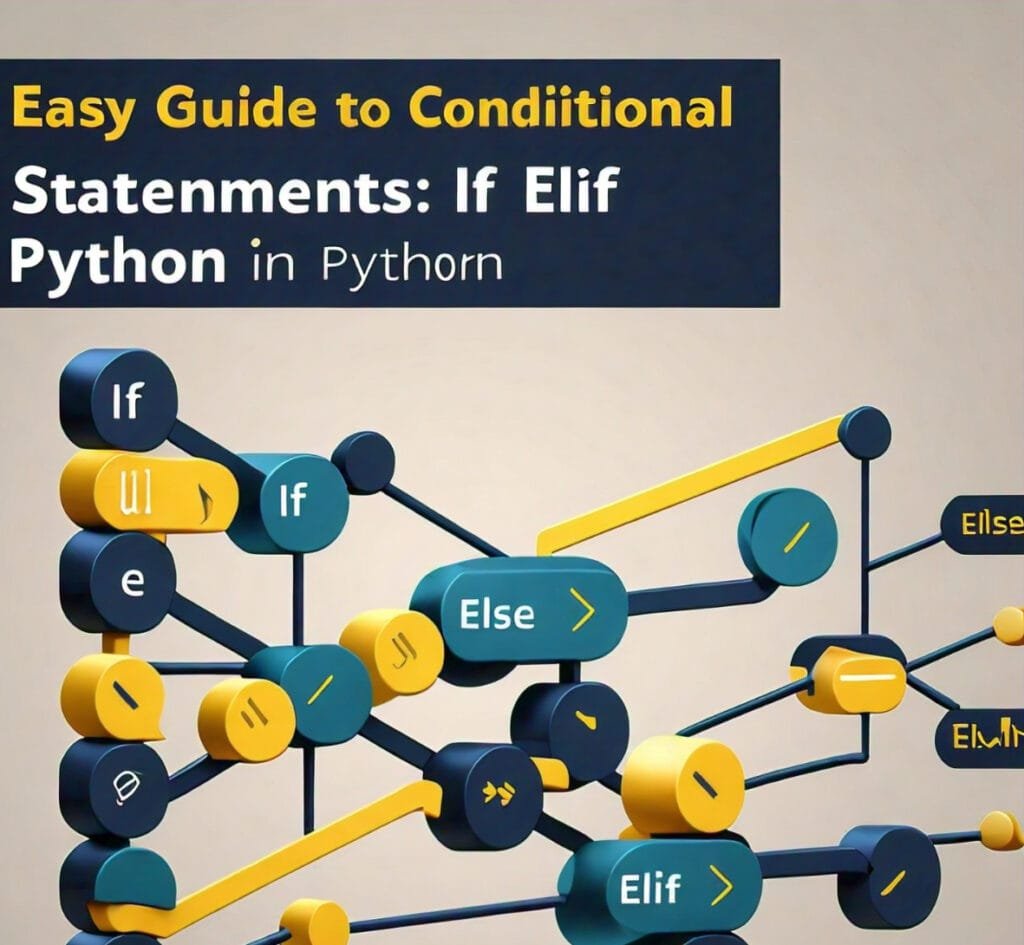
If Statement: This is where the magic begins. The if statement allows your program to test a specific condition. If the condition is true, the block of code under the if statement will execute. If not, it will skip to the next part of the code. Elif Statement: The elif (short for 'else if') conditional statements comes into play when you have multiple conditions to check. If the if statement’s condition is false, the program moves on to check the condition specified in the elif statement. You can have as many elif statements as you need, making your program more flexible and adaptable. Else Statement: Finally, the else conditional statements is your safety net. If none of the if or elif conditions are true, the else statement will execute. It’s like the program saying, “Well, none of these conditions were met, so let’s do this instead.”
Python Documentation: The Ultimate Guide (Part 2)

Python Documentation: The Ultimate Guide (Part 2)

Welcome to Part 2 of our ultimate guide on Python documentation! Here, we’ll explore advanced techniques for documenting your Python projects. Building on the basics from Part 1, we’ll focus on creating detailed API documentation, applying best practices, and using automation to enhance your documentation process. We’ll start by examining why API documentation is essential. It offers detailed information on how to use your code’s functionalities, serving as a crucial resource for developers. We’ll cover how to use docstrings for API documentation and explore methods to automate its generation. Next, we’ll provide an example of creating API documentation for a Python library, showing you how to implement these concepts effectively.
Documentation in Python: The Ultimate Guide (Part 1)

Documentation in Python: The Ultimate Guide (Part 1)

Welcome to the first part of our comprehensive guide on Python documentation! In this section, we’ll embark on a journey to understand the crucial role of documentation in Python programming. We’ll begin by exploring the concept of documentation in Python, examining why it's a fundamental aspect of any successful project. Documentation is not just about leaving notes for others; it’s about creating a detailed roadmap that helps both developers and end users navigate through the codebase efficiently. Next, we’ll explore the different types of documentation you can create for your Python projects. From inline documentation like comments and docstrings to external resources such as user manuals and developer guides, understanding these types will help you choose the best approach for your needs.
How to Use Comments in Python Like a Pro

How to Use Comments in Python Like a Pro

Ever find yourself staring at a piece of code, trying to remember what it does or why you wrote it a certain way? You’re not alone! That’s where comments come in—they’re like little notes to yourself (and anyone else who might read your code) that make your code easier to understand and maintain. But there’s a right way to use comments, and a way that can turn your code into a cluttered mess. In this post, we're going to talk about how to use comments in Python so they’re not just useful, but they also make your code shine. Whether you’re a beginner or someone who's been coding for a while, knowing how to comment your code effectively can make a huge difference in how your projects turn out. By the end of this, you’ll have a few tricks up your sleeve to use comments like a pro, making your code clear, organized, and a breeze to revisit. So, let’s get started!
Mastering File Handling and Error Management in Python: A Practical Guide

Mastering File Handling and Error Management in Python: A Practical Guide

Welcome to the second part of our in-depth guide on Python I/O operations! In this section, we shift our focus from basic input and output operations to more advanced topics, including file handling, error management, and best practices for writing efficient and secure code. File handling is a crucial aspect of programming that allows you to manage data stored in files. We'll explore how to open, read, and write files in Python, handling different file formats like CSV, JSON, and XML. You'll learn practical techniques for working with these files, whether you're building a simple log file system or processing data for analysis. Next, we'll explore the error handling strategies to help you deal with common issues that arise during input and output operations. You'll discover how to use try-except blocks to manage errors gracefully, ensuring your programs run smoothly even when unexpected problems occur.
Mastering Input and Output Operations in Python: A Practical Guide

Mastering Input and Output Operations in Python: A Practical Guide

Welcome to the first part of our comprehensive guide on Python I/O operations! In this section, we’ll explore the essential concepts of handling input and output in Python, which are key to creating interactive and user-friendly applications. We begin with the basics of input operations, where you'll learn how to use the input() function to gather data from users. This includes understanding how to read various types of input and manage different data formats. Next, we'll move on to advanced input handling techniques. You'll discover how to handle multiple inputs, read data from files, and use sys.stdin for more sophisticated input operations. These skills are vital for building more complex and responsive Python programs.