The Ultimate Guide to Python Data Types (Part 1)

The Ultimate Guide to Python Data Types (Part 1)

In this guide, we'll break down Python data types in a way that's easy to grasp and enjoyable to learn. We’ll cover the various data types you’ll encounter—like strings, integers, lists, tuples, dictionaries, and others. Each comes with its own unique characteristics and applications, and I’ll demonstrate how to use them effectively in real-world programming situations. But it’s not just about memorizing definitions. I want you to really understand how these data types work, when to use them, and how they can make your code cleaner and more effective. By the end of this post, you’ll not only know what each data type is but also how to use them confidently in your Python projects.
How to Install Python and Set Up Your Environment with PyCharm and VSCode

How to Install Python and Set Up Your Environment with PyCharm and VSCode

Starting with Python programming is an exciting adventure, but before you jump into writing code, you need to Install Python to set up your development environment. This might sound a bit overwhelming at first, but don't worry—it's actually a easy process that sets the stage for all your future coding projects. In this guide, we’ll show you how to install Python and get your workspace ready using popular tools like PyCharm and Visual Studio Code (VSCode). These tools are designed to make coding easier and more enjoyable, helping you write better code more efficiently. We’ll break down each step in a clear and simple way, so you'll be ready to start programming in no time. Whether you're new to coding or just need a refresher, this guide will make sure you have everything you need to get started with Python. Let’s get your development environment set up so you can focus on creating and building amazing projects!
How to Build ResumeGPT: Create Customized Resumes in Minutes with AI

How to Build ResumeGPT: Create Customized Resumes in Minutes with AI

Are you tired of spending hours crafting the perfect resume? What if you could create a polished, customized resume in just minutes? Welcome to our guide on building ResumeGPT an innovative tool that uses AI to generate customized resumes effortlessly. In this blog post, we’ll walk you through every step of the process, from setting up the tool to writing code that makes resume creation a breeze. Whether you’re a job seeker looking for a quick way to stand out or a developer interested in AI, this guide will give you everything you need. And if you want to see ResumeGPT in action, check out the video below where I demonstrate how the code creates customized resumes. It’s a great way to visualize how this tool works and why it’s so powerful. So, ready to make resume writing easy and effective? Let’s jump in and get started!
What is Retrieval-Augmented Generation (RAG)?

What is Retrieval-Augmented Generation (RAG)?

Have you ever wondered how modern AI systems seem to pull out just the right information at the right moment? One of the secret ingredients behind this capability is a technology called Retrieval-Augmented Generation (RAG). In the ever-evolving world of artificial intelligence, RAG is a game-changer, especially when paired with large language models (LLMs). But what exactly is RAG, and how does it work? In this blog post, we’re going to unravel the mystery behind Retrieval-Augmented Generation. We’ll explore how it enhances the capabilities of LLMs, making them not just more powerful, but also more effective at generating relevant, accurate responses based on extensive data. This introduction to RAG will offer you a clear and engaging look at how this technology is shaping the future of AI. Stick around to discover why RAG is so exciting and how it might be impacting the AI tools you use every day.
Simple Steps to Resolve GitHub Issues with LLM and Redis

Simple Steps to Resolve GitHub Issues with LLM and Redis

Managing GitHub issues can sometimes feel like a never-ending task, especially when you're juggling numerous bugs, feature requests, and team communications. If you’ve ever felt overwhelmed by the sheer volume of issues or frustrated by slow resolution times, you’re not alone. Imagine having a system that not only tracks issues efficiently but also helps you resolve them quickly with minimal manual intervention. That's where LLM (Language Models) and Redis come into play. These powerful tools can transform the way you handle GitHub issues, making the process smoother and more efficient. In this blog post, we’ll explore simple steps to resolve GitHub issues using LLM and Redis. You'll learn how to use the power of AI to automate issue management. And use Redis to keep your data organized and accessible. Whether you’re a developer, or project managerthis guide will show you how to make issue resolution faster and more effective. Ready to make your GitHub issue management process more efficient? Let’s get started and discover how combining these technologies can make a real difference in your workflow.
AI in Web Development: How to Integrate Machine Learning into HTML Projects

AI in Web Development: How to Integrate Machine Learning into HTML Projects

Welcome to the world where AI meets web development! Imagine turning your ordinary HTML projects into something extraordinary with the power of machine learning. If you've ever wondered how to bring a touch of artificial intelligence to your websites, you're in the right place. In this blog post, we'll explore how to integrate machine learning into your HTML projects, transforming them from static pages into interactive, intelligent experiences. We'll break down the basics, share practical examples, and guide you through the tools and techniques that make it possible. Whether you’re looking to add smart features or simply curious about how AI can enhance your web development skills, you’ll find valuable insights and hands-on tips here. So, let's embark on this exciting journey and discover how to make your web projects not just functional, but truly smart and engaging!
Creating Realistic Face Swaps with AI: Techniques and Tools You Need to Know

Creating Realistic Face Swaps with AI: Techniques and Tools You Need to Know

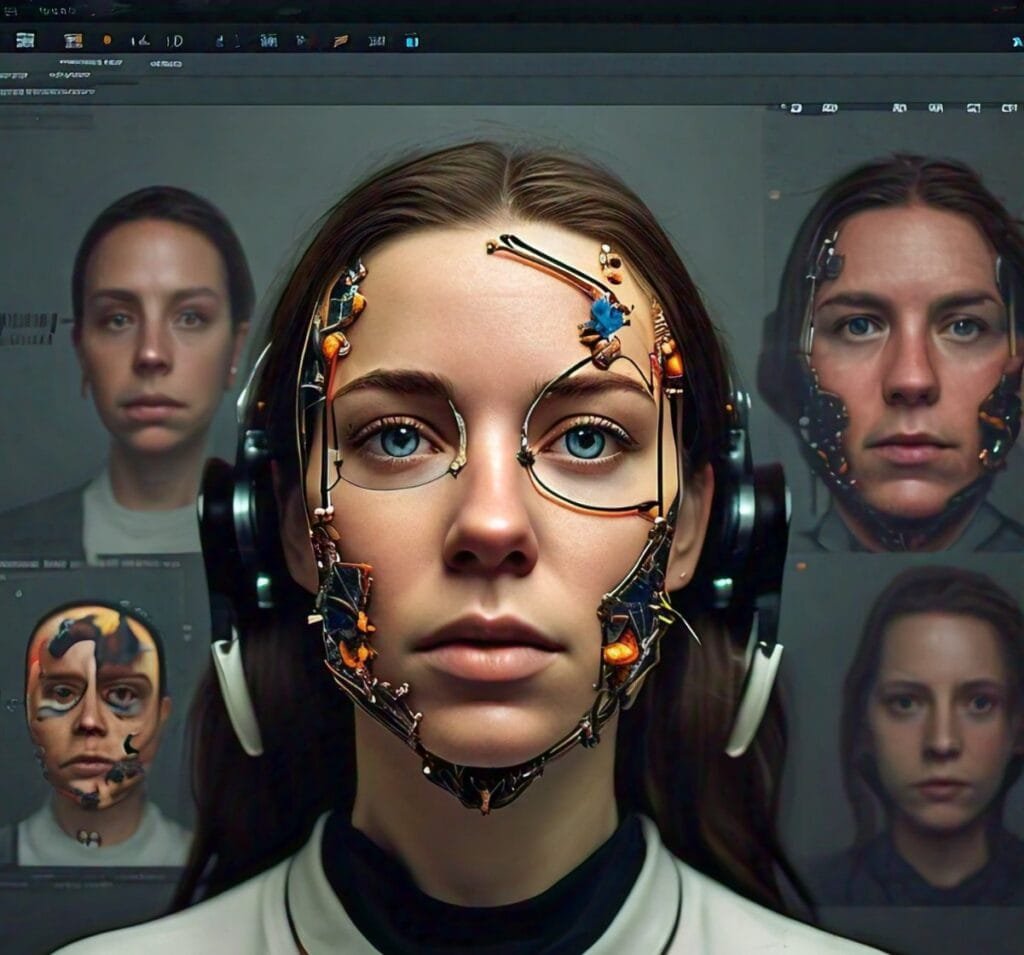
Have you ever wondered how your favorite celebrities or friends would look like in a different movie role or scenario? Face swaps, a technique that has been fascinating us for years, has now become a reality thanks to advancements in Artificial Intelligence (AI). With just a few clicks, you can transport someone's face onto another person's body, creating a surprisingly realistic and often hilarious result. But face swapping is not just for entertainment purposes. It has serious applications in fields like film production, advertising, and even law enforcement. In this blog post, we will dig the world of AI-powered face swapping, exploring the techniques and tools you need to know to create realistic and convincing face swaps. This guide will walk you through the process, from the basics to the latest advancements in AI technology. So, let's explore and uncover the secrets of creating realistic face swaps with AI!
Creative Writing: How to use AI tools for creative content

Creative Writing: How to use AI tools for creative content

The world of creative writing has always been about imagination and skill. It involves weaving words into captivating stories. But what happens when generative AI steps into this traditionally human domain? With advancements in artificial intelligence, particularly in natural language processing (NLP). AI is no longer just a tool for data analysis and automation. It's becoming a co-creator in the literary world, assisting writers in crafting everything from novels to interactive stories. Generative AI in creative writing is not just a trend—it's a growing field that holds the potential to redefine how we think about storytelling. This technology can generate plot ideas, assist in character development, and even help draft entire novels. But it's not just about the mechanics of writing. AI brings a new level of creativity, offering unique perspectives and possibilities that human writers might not have considered. This article explores the intersection of creative writing and AI technology, delving into its applications, the key models that drive it, and the future possibilities that lie ahead. Whether you're a seasoned writer curious about AI's capabilities or someone interested in the future of storytelling, this guide will take you on a journey through the fascinating world of AI-driven creative writing.
Matplotlib’s Hidden Marvel: How to Make Packed Bubble Charts in Python

Matplotlib’s Hidden Marvel: How to Make Packed Bubble Charts in Python

When it comes to data visualization, Matplotlib is frequently the first library that comes to mind. It’s well-known for its ability to create everything from simple line graphs to detailed scatter plots. But did you know that Matplotlib also offers a unique and often overlooked visualization option? Enter the packed bubble chart—a powerful tool that adds a new dimension to your data presentations. Packed bubble charts offer a distinctive and visually engaging way to display data. They’re particularly useful when you need to illustrate hierarchical structures or emphasize the relative size of different categories. Having a chart where each bubble represents a category, and the size of the bubble corresponds to its value. This approach not only makes the data more engaging but also provides a clear visual representation of proportions and relationships within the data. This often-underutilized feature of Matplotlib can turn ordinary datasets into insightful visual stories. In this guide, we'll uncover how to harness the potential of packed bubble charts using Matplotlib, making your data visualizations not only more compelling but also more informative. Let’s Explore the steps and techniques to create these stunning charts in Python!