What Are Identity Operators in Python? Full Guide with Code

What Are Identity Operators in Python? Full Guide with Code

Ever compared two things in Python and ended up surprised? “Wait… a == b is True, but a is b is False?” You’re not alone. This little twist trips up a lot of Python learners. The key lies in identity operators — and understanding how they work can make a big difference in how you write and debug your code. Most folks are familiar with ==, which checks if two values are equal. But identity operators — like is — go a step further. They check whether two variables point to the exact same object in memory, not just if they look the same.Ever compared two things in Python and ended up surprised? “Wait… a == b is True, but a is b is False?” You’re not alone. This little twist trips up a lot of Python learners. The key lies in identity operators — and understanding how they work can make a big difference in how you write and debug your code. Most folks are familiar with ==, which checks if two values are equal. But identity operators — like is — go a step further. They check whether two variables point to the exact same object in memory, not just if they look the same.
Mastering Logical Operators in Python: The Ultimate Beginner- Guide

Mastering Logical Operators in Python: The Ultimate Beginner- Guide

One rainy afternoon, you’re getting ready to go outside. You stop and think, “Should I take my umbrella?” Then you ask yourself, “Is it raining and do I have my umbrella with me?” Right there — without even knowing it — you used something called a logical operator. In Python, we use logical operators like and, or, and not to help the computer make decisions — just like you did. These are simple words that check if certain things are true or false. Let’s say you want your program to check: “Is the user logged in and is their account active?” “Sunday or is it a holiday?” “Is the door not locked?”
Mastering Multiple Inputs in Python

Mastering Multiple Inputs in Python

When you're learning Python, one of the first things you’ll do is ask the user for information using the input() function. For example, you might ask them for their name or age. But what if you need to ask for more than one thing at the same time? In Python, there are simple ways to handle multiple inputs. This is really helpful when your program needs to gather several pieces of information from the user, like their name, age, and favorite color — all in one go. In this blog post, I’ll show you the easiest ways to get multiple inputs from a user. We’ll go step by step, and by the end, you’ll understand how to: Take several inputs at once using basic techniques. Use Python’s split() function to make it easier. Write cleaner and more efficient code for collecting user inputs.
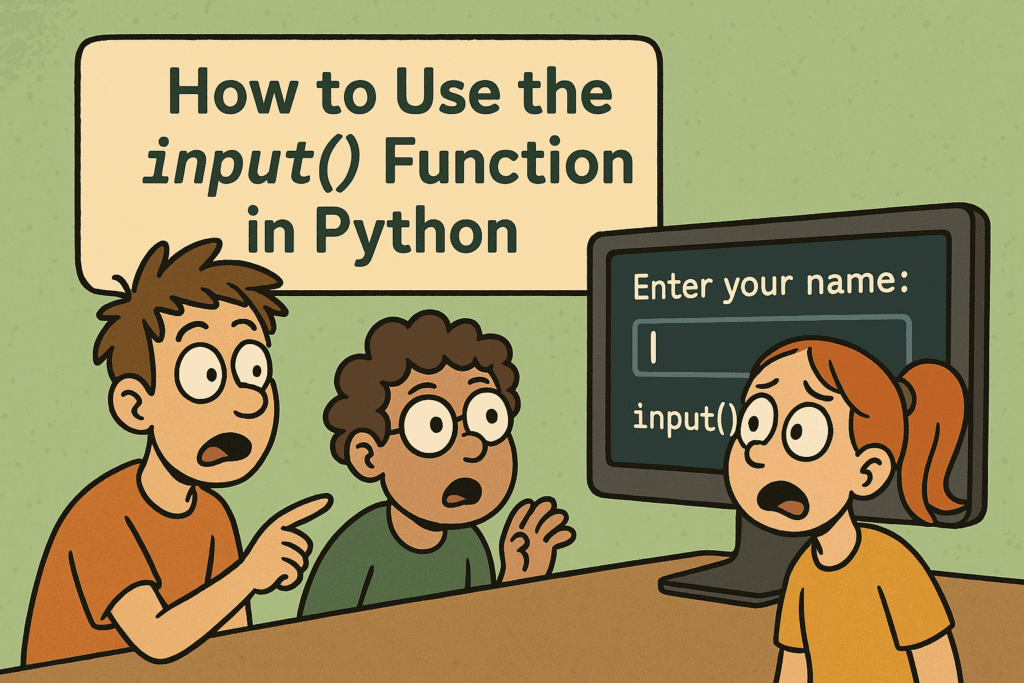
How to Use the input() Function in Python

How to Use the input() Function in Python

When you first start learning Python, you might write programs that just show text on the screen. That’s a great start—but what if you want your program to ask the user a question and wait for them to type an answer? That’s where the input() function comes in. In this post, I’ll teach you how to use the input() function in Python, even if you’re a complete beginner. We’ll go through easy examples so you can understand how to get user input in Python, step by step. Whether you want to make a simple quiz, a calculator, or just greet someone by name, the input() function is the tool that helps your program talk to the user. By the end of this post, you'll understand: What the input() function does How to use it in real programs Why it’s important for basic Python user interaction
How to Use Logical Operators in Python

How to Use Logical Operators in Python

Alright, so you're learning Python — that's awesome! One important thing you'll need to understand is how to make decisions in your code. Just like we do in real life. Let’s say: You want to watch a movie only if you finished your homework and your friend is free. Or maybe you want to order food if you’re hungry or tired. See those and and or words? That’s exactly what logical operators do in Python. They help your code say things like: “If both conditions are true, do this.” “Only one condition needs to be true for this to run.” “Skip this if the condition isn’t true." In Python, we use just three simple logi
How to Format Strings in Python using print() and .format()

How to Format Strings in Python using print() and .format()

Let me show you something really useful in Python—string formatting. When you're working with Python, you’ll often need to print messages to the screen. Maybe you're showing a user’s name, printing a calculation, or just making your program’s output look clean and clear. To do all that properly, you need to understand how Python string formatting works—especially using the print() function and the format() method.
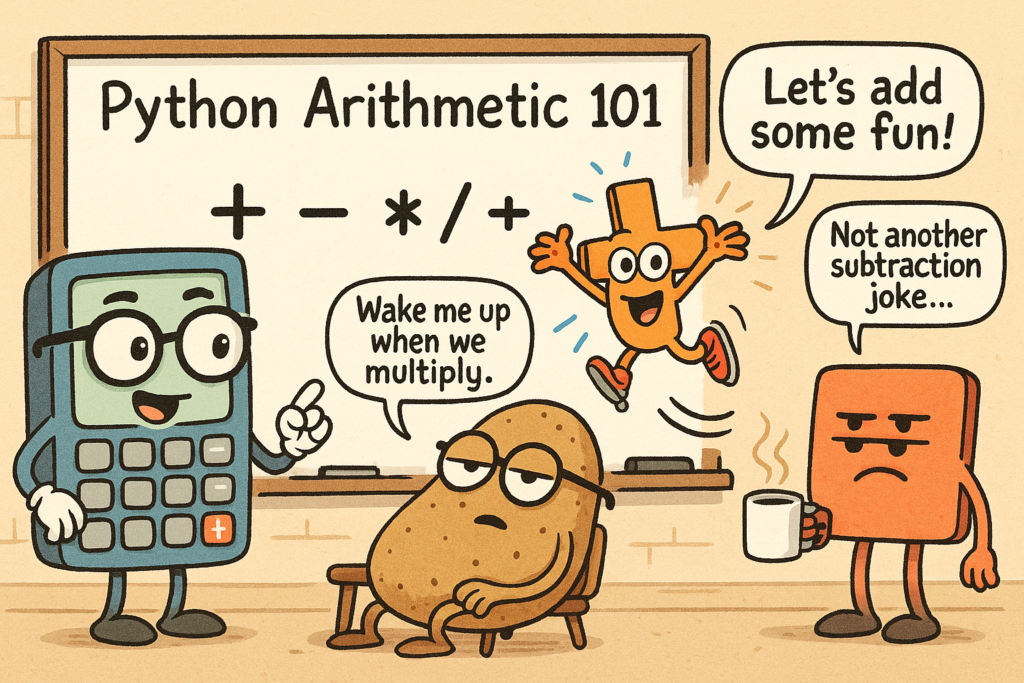
How to use Arithmetic Operators in Python with practical examples

How to use Arithmetic Operators in Python with practical examples

When you're writing code, you're going to deal with numbers a lot. You’ll need to add, subtract, multiply, divide, and do a few other things like find remainders or work with powers. Python makes this easy, but you need to know the right symbols and how they work. In this guide, I’m going to teach you everything you need to know about arithmetic operations in Python. We’ll look at real examples, and I’ll explain each one. By the end, you’ll be able to use these operations in your own projects with confidence. Ready to learn? Let’s start with the basics.
Python Garbage Collection: How to Optimize Performance

Python Garbage Collection: How to Optimize Performance

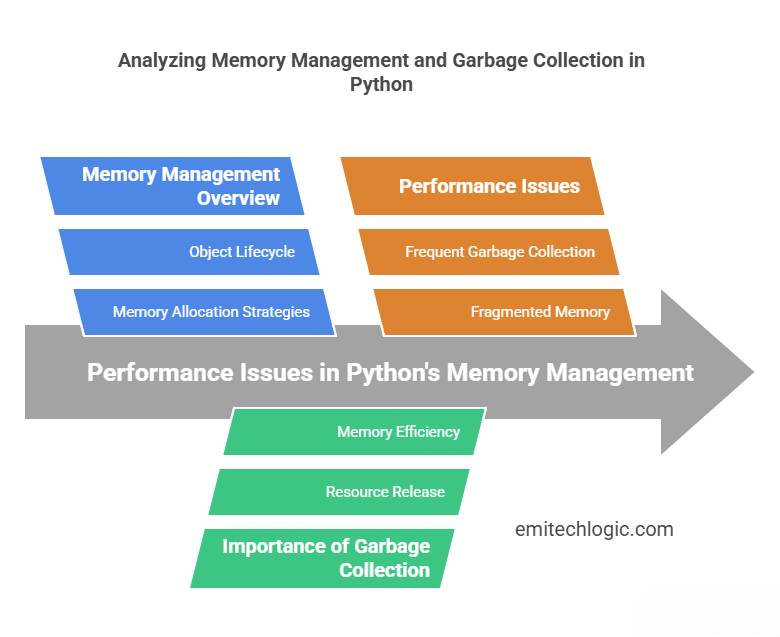
When you write a Python program, it needs memory to store data. But what happens when you no longer need some of that data? If Python doesn’t remove it, your program can slow down or even crash because it’s using too much memory. To fix this, Python has a system called garbage collection. It automatically cleans up memory by deleting data that is no longer needed. This helps your program run faster and use less memory. But here’s the problem—sometimes, garbage collection itself can slow down your program. If Python spends too much time cleaning up memory, your code might pause or run slower than expected.
Python Type Casting: Fake It Till You Make It

Python Type Casting: Fake It Till You Make It

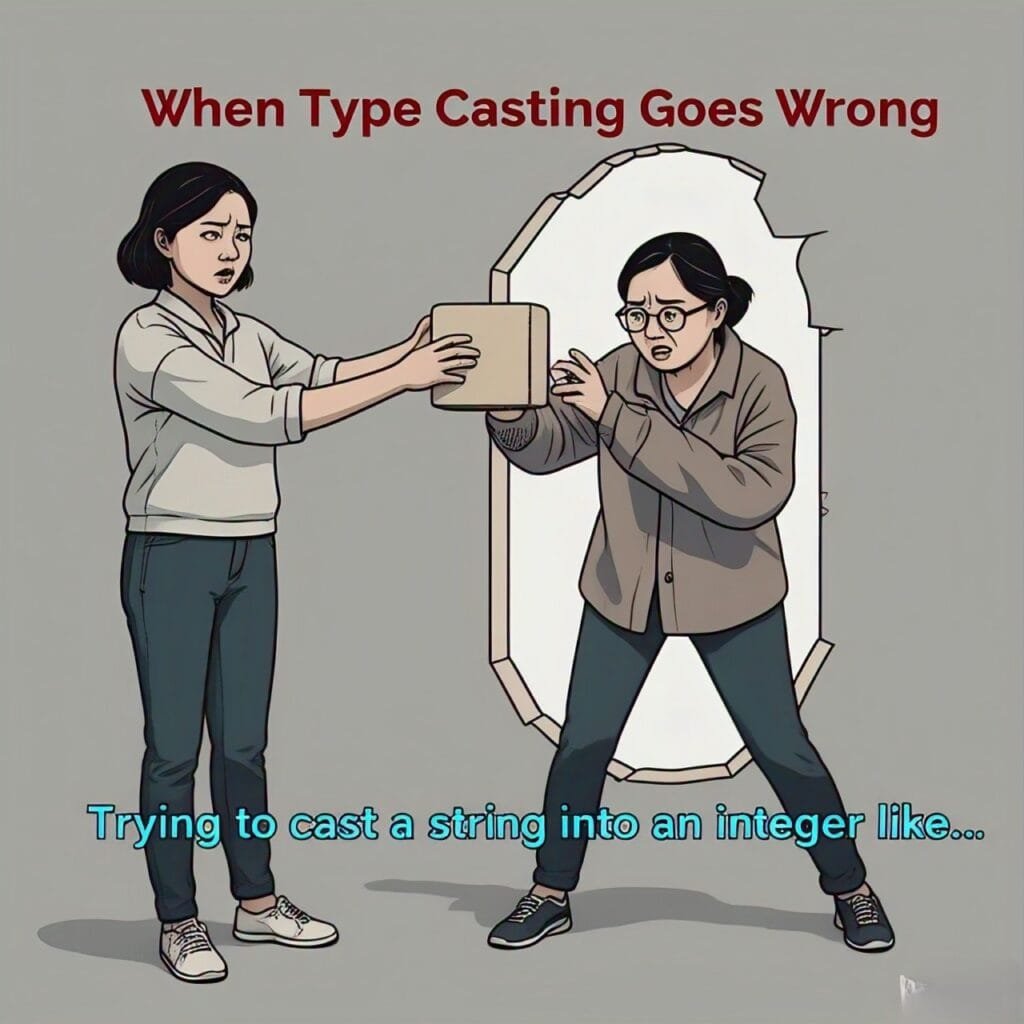
Ever tried convincing Python that a string can suddenly become a number? Welcome to the world of Python Type Casting—where data gets to put on a new outfit and transform into something entirely different. Imagine trying to do math with the word "50", or expecting Python to add two numbers when one of them is secretly a string. Sounds tricky, right? That’s where type casting steps in to save the day, ensuring things don’t get messy. It’s like getting your data to change outfits whenever needed, no questions asked. In this post, we’ll reveal the magic behind type casting, showing you how to turn your data into whatever you want it to be. You’ll discover how Python does some of this work for you automatically (hello, implicit casting!), and how you can take control when Python misses the memo (explicit casting!). But here’s the twist: not all data types get along. Sometimes, they refuse to play nice—and that’s when type casting becomes your best friend. Get ready to master the art of transforming your data into whatever you need, without breaking a sweat!