How to Set Up CI/CD for Your Python Projects Using Jenkins

How to Set Up CI/CD for Your Python Projects Using Jenkins

Let’s say you are writing a Python project. You write some code, save it, and then test it to make sure it works. But doing this every time can be boring and slow. What if a robot could do this for you? That’s what CI/CD does. What is CI/CD? CI/CD is short for: CI = Continuous Integration CD = Continuous Delivery Don’t worry about the big words. Here's what they really mean: CI means your code is automatically tested when you change it. CD means your code is automatically shared or deployed after it’s tested. So, instead of doing everything by hand, a computer can do it for you!
The Ultimate Guide to the range() Function in Python

The Ultimate Guide to the range() Function in Python

The range() function is one of Python’s most useful built-in functions. It helps you generate a sequence of numbers that you can use in loops, list comprehensions, and many other situations. If you’ve written any Python code with loops, you’ve probably used range() already! In this guide, you’ll master everything about the range() function, from basic usage to advanced techniques. You’ll also learn how it relates to other Python features like lists and functions. Bookmark this page for future reference!
How to compute factorial in Python

How to compute factorial in Python

Before we jump into coding, let's take a moment to understand what factorial means in mathematics. In simple terms, the factorial of a number (written as n!) is the product of all positive integers less than or equal to n. So, for example: 5! = 5 × 4 × 3 × 2 × 1 = 120 Factorials are very useful in various areas of mathematics, particularly in problems involving: Combinatorics (like permutations and combinations) Probability theory Algorithms dealing with large numbers and complex calculations Series expansions in calculus Discrete mathematics and computer science applications
How to Count the Digits in a Number Using Python

How to Count the Digits in a Number Using Python

Count the Digits in a Number Using Python: Let’s say you have a number—like 12345—and you want to know how many digits are in it. If you look at it yourself, it’s easy. You just count: 1, 2, 3, 4, 5. That’s 5 digits. But how do we make Python do that for us? In this guide, I’ll show you a few ways to count digits in a number using Python. You’ll learn: How to count digits by turning the number into a string How to count digits without turning it into a string and also learn How to use simple math to figure it out
How to Print Patterns in Python: Loops, Logic, and Code Examples

How to Print Patterns in Python: Loops, Logic, and Code Examples

Print Patterns in Python means writing code that prints shapes or designs using characters like Asterisk (*), numbers, or letters. You’ll often see patterns like triangles, pyramids, or diamonds. This kind of problem is very popular in coding interviews and beginner Python exercises because it helps you practice loops, understand logic flow, and get better at using Python print statements effectively. You’ll typically use: for loops – to repeat actions a set number of times. while loops – for more flexible repetition. Nested loops – a loop inside another loop, which is key to building multi-line patterns. Practicing these problems sharpens your logic and builds a strong foundation for solving Python loop problems later on.
How to Use If-Elif-Else in Python (With Easy Code Examples)

How to Use If-Elif-Else in Python (With Easy Code Examples)

Let’s say your program needs to make a choice—something like, “If it’s raining, grab an umbrella. If it’s sunny, wear sunglasses. Otherwise, just go as you are.” In Python, we use if, elif, and else to handle exactly that kind of logic. These statements let your program make decisions based on conditions. So instead of running the same thing every time, it can react differently depending on what’s happening. In this guide, I’ll show you what these statements are, why they’re important, and how to use them with easy-to-follow examples. No confusing codes—just clear, simple steps to help you get the hang of it.
How to Write a Python Program for Geometric Progression Step-by-Step

How to Write a Python Program for Geometric Progression Step-by-Step

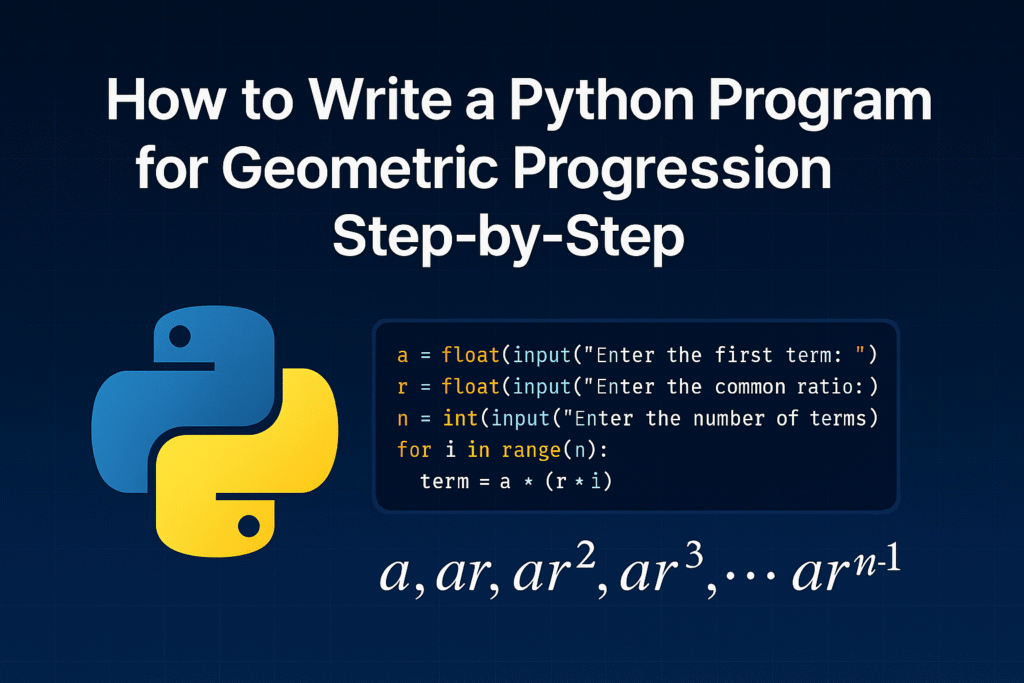
A geometric progression is just a sequence where each number is multiplied by the same value to get the next one. For example: 2, 4, 8, 16, 32... Here, we’re multiplying by 2 each time. Now instead of calculating each number by hand, wouldn’t it be easier to write a Python program that does it for you? That’s exactly what we’ll do—step by step.
How to Find the nth Term of an Arithmetic Progression in Python

How to Find the nth Term of an Arithmetic Progression in Python

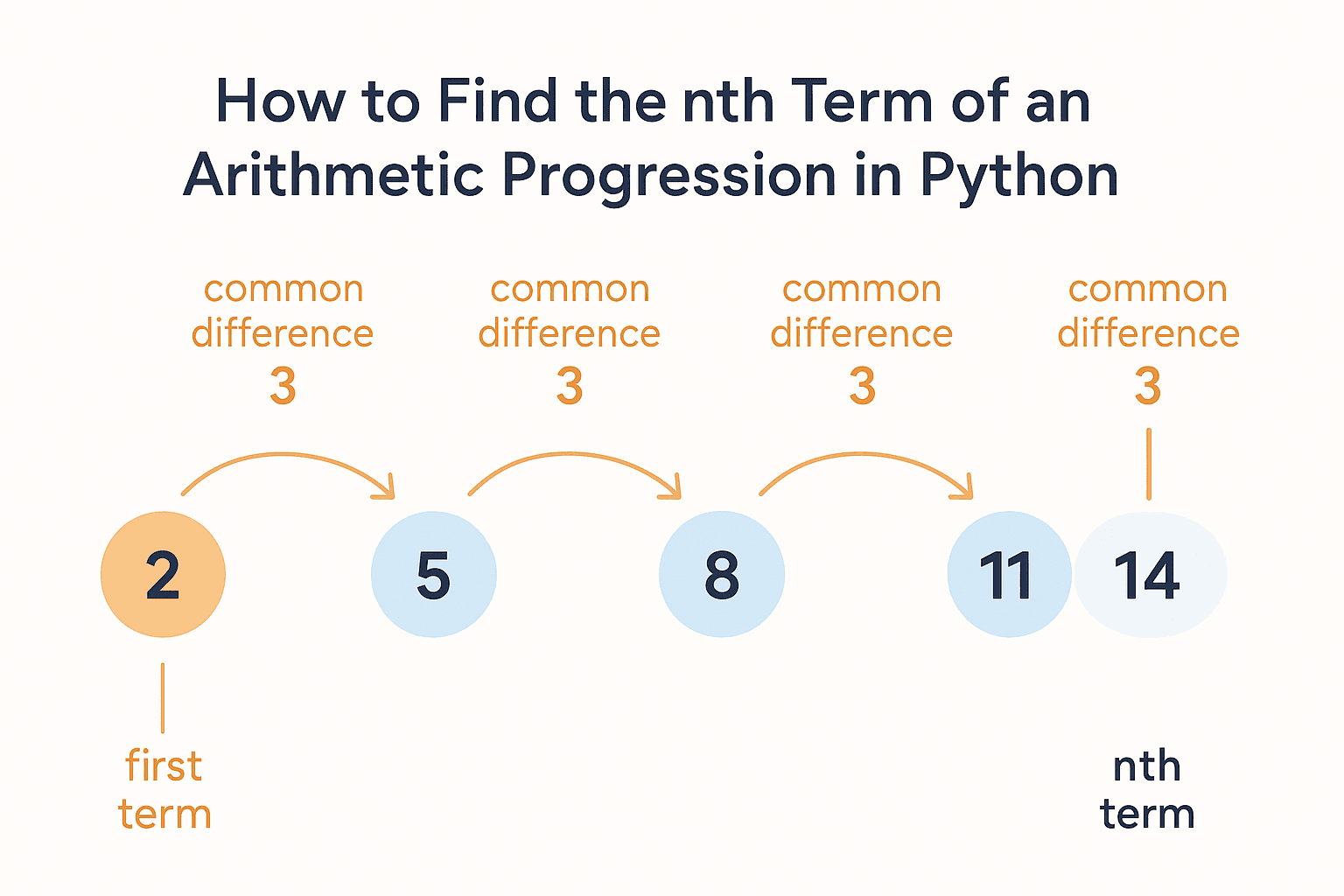
Have you ever worked with a list of numbers that follow a pattern, like this one: 2, 5, 8, 11, 14...? This is called an Arithmetic Progression (AP). The cool thing about an AP is that the difference between each number is the same—in this case, it's 3. Now, let’s say you want to find the 100th term in this sequence. Instead of listing out all the numbers one by one (which would take forever!), you can use a simple formula to jump straight to the answer. And that's exactly what we're going to do in this post.
How to Use Bitwise Operators in Python with Step-by-Step Code Examples

How to Use Bitwise Operators in Python with Step-by-Step Code Examples

Have you ever seen symbols like &, |, ^, or ~ in Python and wondered what they actually do? You’re not alone! These are bitwise operators, and they might seem confusing at first, but once you break them down, they’re easier to understand than you think. Bitwise operators work with binary numbers, which are just 1s and 0s. Every number in Python can be represented as a series of these 1s and 0s in the computer's memory. When we use bitwise operators, we’re doing operations directly on those 1s and 0s. In this blog post, I’ll explain what each bitwise operator does in simple terms, and we’ll go through clear Python examples to help you understand them.