How to Find the nth Term of an Arithmetic Progression in Python

How to Find the nth Term of an Arithmetic Progression in Python

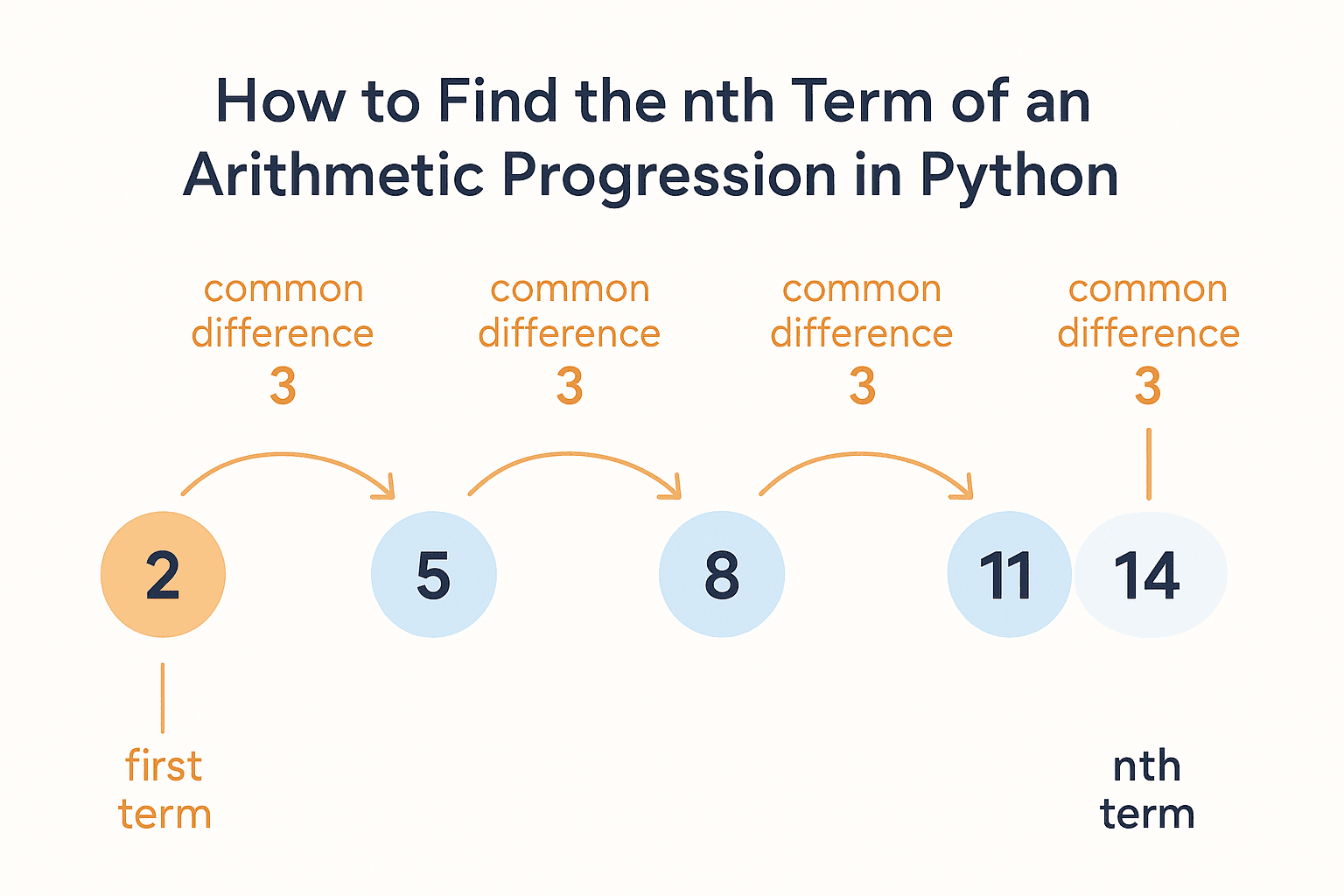
Have you ever worked with a list of numbers that follow a pattern, like this one: 2, 5, 8, 11, 14...? This is called an Arithmetic Progression (AP). The cool thing about an AP is that the difference between each number is the same—in this case, it's 3. Now, let’s say you want to find the 100th term in this sequence. Instead of listing out all the numbers one by one (which would take forever!), you can use a simple formula to jump straight to the answer. And that's exactly what we're going to do in this post.
How to Use Bitwise Operators in Python with Step-by-Step Code Examples

How to Use Bitwise Operators in Python with Step-by-Step Code Examples

Have you ever seen symbols like &, |, ^, or ~ in Python and wondered what they actually do? You’re not alone! These are bitwise operators, and they might seem confusing at first, but once you break them down, they’re easier to understand than you think. Bitwise operators work with binary numbers, which are just 1s and 0s. Every number in Python can be represented as a series of these 1s and 0s in the computer's memory. When we use bitwise operators, we’re doing operations directly on those 1s and 0s. In this blog post, I’ll explain what each bitwise operator does in simple terms, and we’ll go through clear Python examples to help you understand them.
What Are Identity Operators in Python? Full Guide with Code

What Are Identity Operators in Python? Full Guide with Code

Ever compared two things in Python and ended up surprised? “Wait… a == b is True, but a is b is False?” You’re not alone. This little twist trips up a lot of Python learners. The key lies in identity operators — and understanding how they work can make a big difference in how you write and debug your code. Most folks are familiar with ==, which checks if two values are equal. But identity operators — like is — go a step further. They check whether two variables point to the exact same object in memory, not just if they look the same.Ever compared two things in Python and ended up surprised? “Wait… a == b is True, but a is b is False?” You’re not alone. This little twist trips up a lot of Python learners. The key lies in identity operators — and understanding how they work can make a big difference in how you write and debug your code. Most folks are familiar with ==, which checks if two values are equal. But identity operators — like is — go a step further. They check whether two variables point to the exact same object in memory, not just if they look the same.
Mastering Logical Operators in Python: The Ultimate Beginner- Guide

Mastering Logical Operators in Python: The Ultimate Beginner- Guide

One rainy afternoon, you’re getting ready to go outside. You stop and think, “Should I take my umbrella?” Then you ask yourself, “Is it raining and do I have my umbrella with me?” Right there — without even knowing it — you used something called a logical operator. In Python, we use logical operators like and, or, and not to help the computer make decisions — just like you did. These are simple words that check if certain things are true or false. Let’s say you want your program to check: “Is the user logged in and is their account active?” “Sunday or is it a holiday?” “Is the door not locked?”
Mastering Multiple Inputs in Python

Mastering Multiple Inputs in Python

When you're learning Python, one of the first things you’ll do is ask the user for information using the input() function. For example, you might ask them for their name or age. But what if you need to ask for more than one thing at the same time? In Python, there are simple ways to handle multiple inputs. This is really helpful when your program needs to gather several pieces of information from the user, like their name, age, and favorite color — all in one go. In this blog post, I’ll show you the easiest ways to get multiple inputs from a user. We’ll go step by step, and by the end, you’ll understand how to: Take several inputs at once using basic techniques. Use Python’s split() function to make it easier. Write cleaner and more efficient code for collecting user inputs.
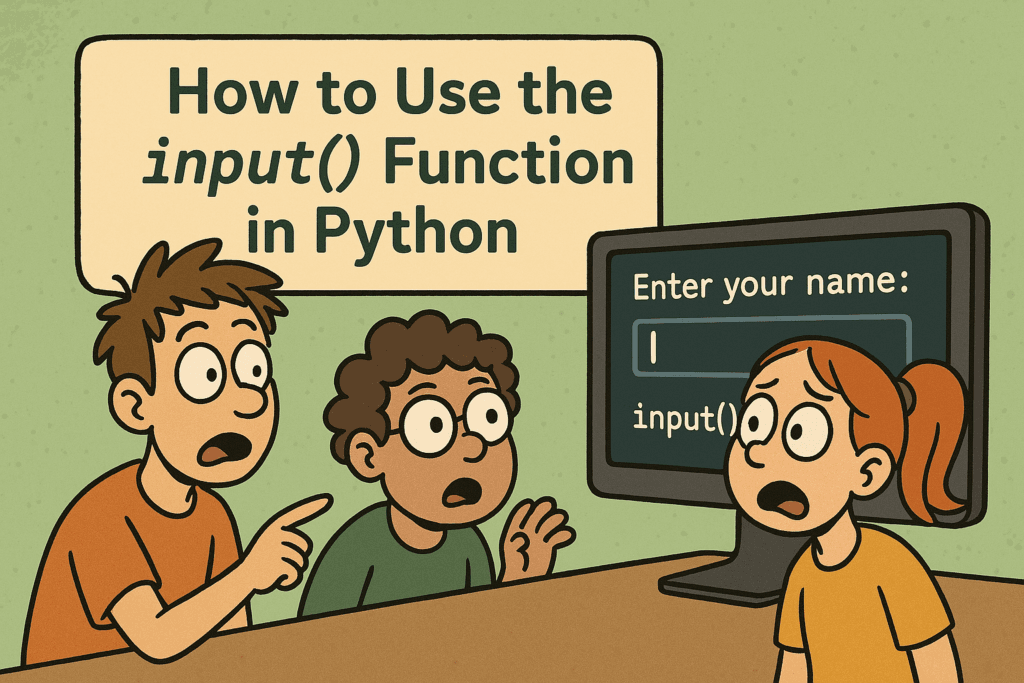
How to Use the input() Function in Python

How to Use the input() Function in Python

When you first start learning Python, you might write programs that just show text on the screen. That’s a great start—but what if you want your program to ask the user a question and wait for them to type an answer? That’s where the input() function comes in. In this post, I’ll teach you how to use the input() function in Python, even if you’re a complete beginner. We’ll go through easy examples so you can understand how to get user input in Python, step by step. Whether you want to make a simple quiz, a calculator, or just greet someone by name, the input() function is the tool that helps your program talk to the user. By the end of this post, you'll understand: What the input() function does How to use it in real programs Why it’s important for basic Python user interaction
How to Use Logical Operators in Python

How to Use Logical Operators in Python

Alright, so you're learning Python — that's awesome! One important thing you'll need to understand is how to make decisions in your code. Just like we do in real life. Let’s say: You want to watch a movie only if you finished your homework and your friend is free. Or maybe you want to order food if you’re hungry or tired. See those and and or words? That’s exactly what logical operators do in Python. They help your code say things like: “If both conditions are true, do this.” “Only one condition needs to be true for this to run.” “Skip this if the condition isn’t true." In Python, we use just three simple logi
How to Format Strings in Python using print() and .format()

How to Format Strings in Python using print() and .format()

Let me show you something really useful in Python—string formatting. When you're working with Python, you’ll often need to print messages to the screen. Maybe you're showing a user’s name, printing a calculation, or just making your program’s output look clean and clear. To do all that properly, you need to understand how Python string formatting works—especially using the print() function and the format() method.
Top 10 Python Interview Questions That Look Easy but Catch You Off Guard

Top 10 Python Interview Questions That Look Easy but Catch You Off Guard

If you’ve been preparing for a Python interview, you’ve probably gone through the usual questions—data types, loops, functions, OOPs… the basics. But what about those sneaky questions that look simple at first glance but end up making you second-guess yourself? That’s exactly what I’ve covered in my latest YouTube video: "Top 10 Python Interview Questions That Look Easy but Catch You Off Guard." These aren’t just tricky—they’re deceptively tricky. Each one is designed as a multiple-choice question (MCQ), so you can test your knowledge as you go. 👉 Before you scroll further, I recommend watching the video and trying the quiz for yourself. It’s a great way to challenge your Python instincts before you dive into the explanations here.