How to use Arithmetic Operators in Python with practical examples

How to use Arithmetic Operators in Python with practical examples

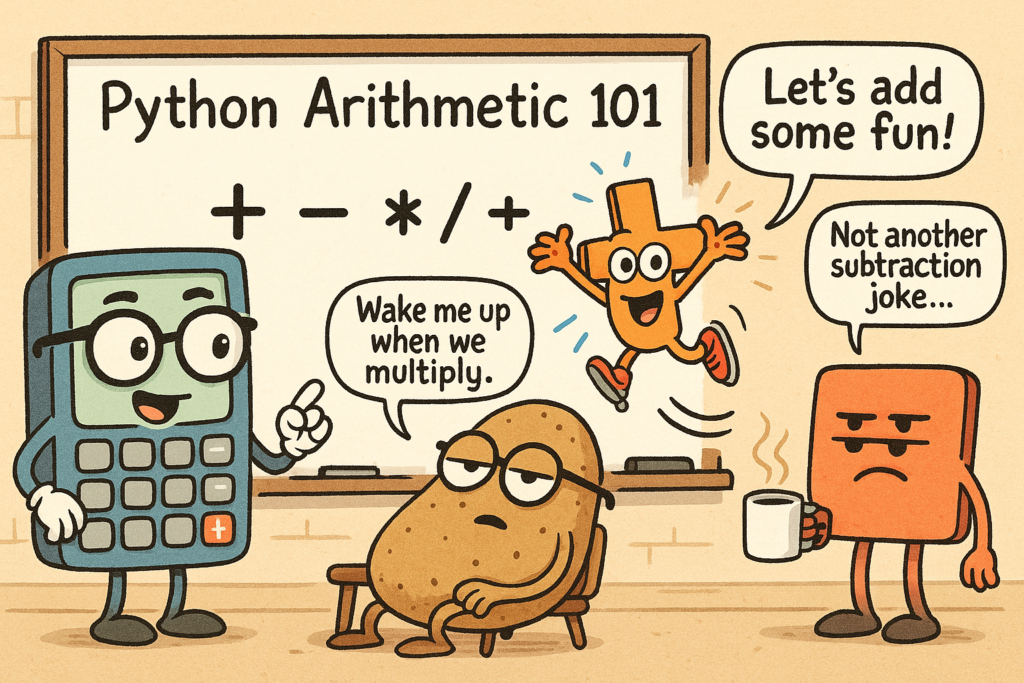
When you're writing code, you're going to deal with numbers a lot. You’ll need to add, subtract, multiply, divide, and do a few other things like find remainders or work with powers. Python makes this easy, but you need to know the right symbols and how they work. In this guide, I’m going to teach you everything you need to know about arithmetic operations in Python. We’ll look at real examples, and I’ll explain each one. By the end, you’ll be able to use these operations in your own projects with confidence. Ready to learn? Let’s start with the basics.
Python Coding Quiz You Can’t Ignore – Learn by Solving These 12 Code Puzzles

Python Coding Quiz You Can’t Ignore – Learn by Solving These 12 Code Puzzles

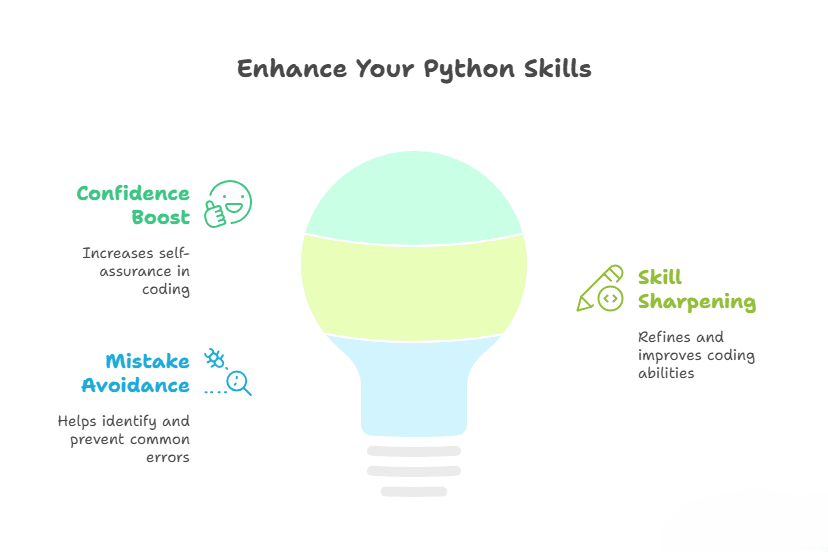
Want to test your Python knowledge with quick and practical examples? These 12 Python Coding Quiz are designed to boost your confidence, sharpen your skills, and help you avoid the sneaky mistakes that trip up even experienced developers. This post is inspired by my recent YouTube quiz – packed with tricky scenarios and gotchas you won’t want to miss.
Python Garbage Collection: How to Optimize Performance

Python Garbage Collection: How to Optimize Performance

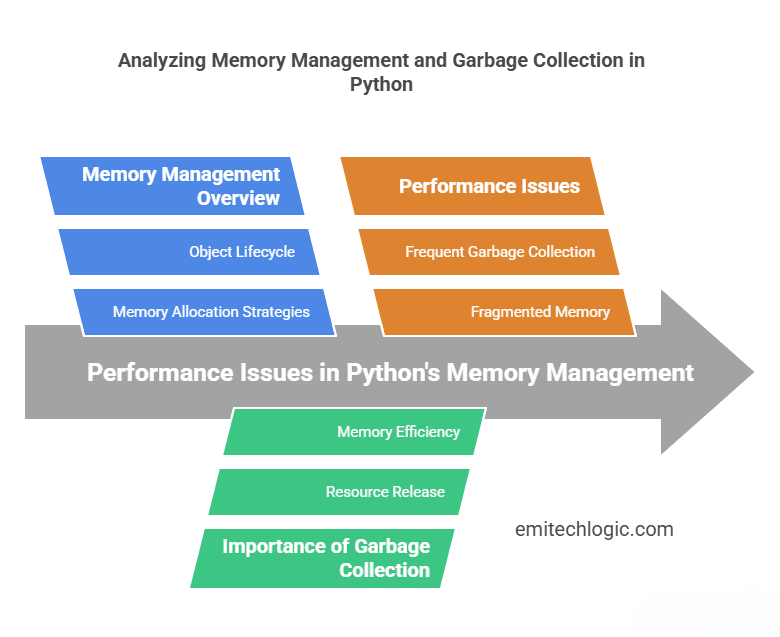
When you write a Python program, it needs memory to store data. But what happens when you no longer need some of that data? If Python doesn’t remove it, your program can slow down or even crash because it’s using too much memory. To fix this, Python has a system called garbage collection. It automatically cleans up memory by deleting data that is no longer needed. This helps your program run faster and use less memory. But here’s the problem—sometimes, garbage collection itself can slow down your program. If Python spends too much time cleaning up memory, your code might pause or run slower than expected.
Python Type Casting: Fake It Till You Make It

Python Type Casting: Fake It Till You Make It

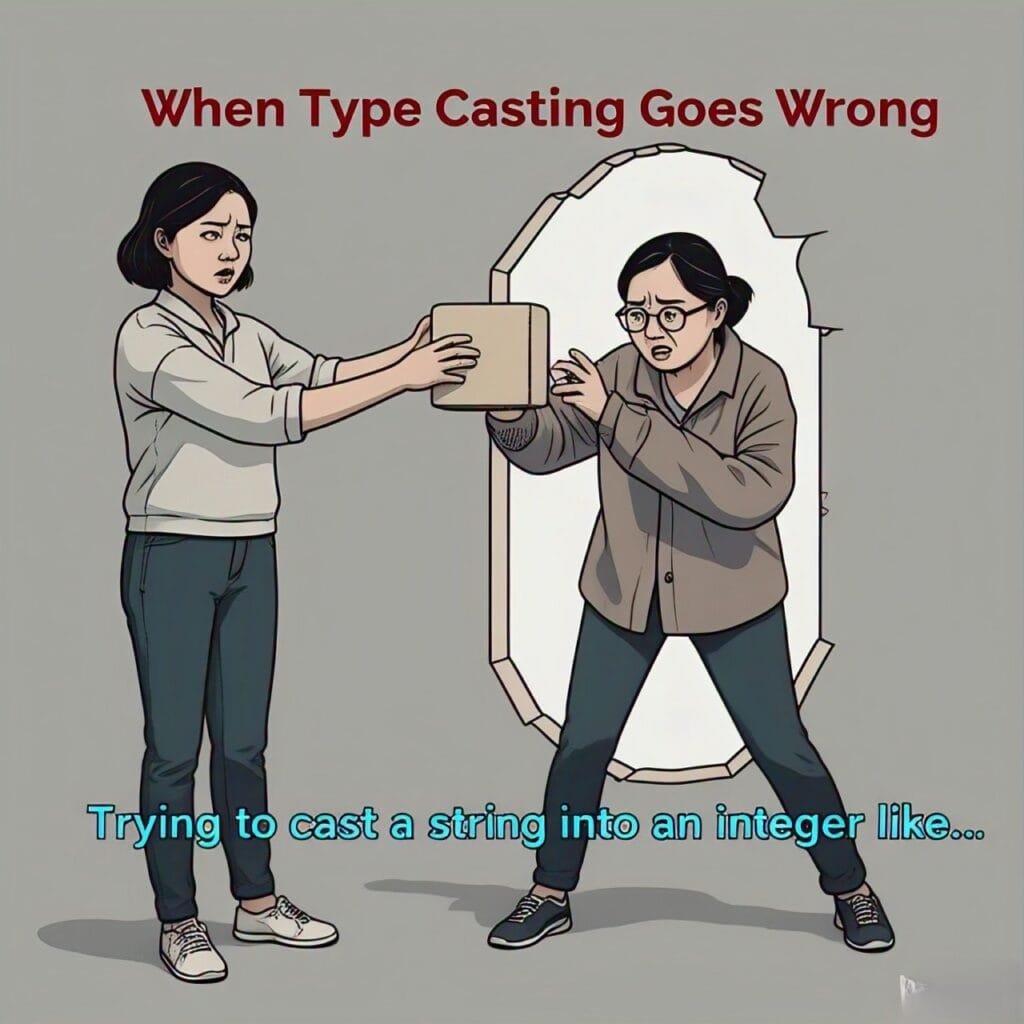
Ever tried convincing Python that a string can suddenly become a number? Welcome to the world of Python Type Casting—where data gets to put on a new outfit and transform into something entirely different. Imagine trying to do math with the word "50", or expecting Python to add two numbers when one of them is secretly a string. Sounds tricky, right? That’s where type casting steps in to save the day, ensuring things don’t get messy. It’s like getting your data to change outfits whenever needed, no questions asked. In this post, we’ll reveal the magic behind type casting, showing you how to turn your data into whatever you want it to be. You’ll discover how Python does some of this work for you automatically (hello, implicit casting!), and how you can take control when Python misses the memo (explicit casting!). But here’s the twist: not all data types get along. Sometimes, they refuse to play nice—and that’s when type casting becomes your best friend. Get ready to master the art of transforming your data into whatever you need, without breaking a sweat!
Type Conversion in Python: The Ultimate Guide

Type Conversion in Python: The Ultimate Guide

When writing Python programs, you often need to convert one data type into another. This is called type conversion. For example, you might have a number stored as a string, but you need it as an integer for calculations. Python makes type conversion easy with built-in functions. In this guide, we’ll explore how to convert data types in Python with simple examples. You’ll learn: What type conversion is and why it's important The difference between implicit and explicit type conversion How to use Python's built-in functions for conversion By the end of this
Mutable vs Immutable in Python

Mutable vs Immutable in Python

When you write Python code, you deal with different types of data—numbers, lists, strings, dictionaries, and more. Some of these can be changed (mutable), while others stay the same (immutable) once created. Understanding this difference is super important. Because it affects how your code works, how fast it runs, and how Python handles memory. If you’ve ever wondered why lists behave differently from tuples or why some objects seem to change unexpectedly, you’re not alone! In this guide, we’ll break down mutable vs immutable in Python in the simplest way possible. By the end, you’ll know exactly when to use which type and how this knowledge can help you write better, more efficient code.
Python type() Function: The Simple Trick to Checking Data Types

Python type() Function: The Simple Trick to Checking Data Types

Ever run into a TypeError in Python and thought, Wait... what just happened? Don't worry, we've all been there! The type() function is like a quick detective—it tells you exactly what kind of data you're working with so you can avoid those annoying surprises. Why Should You Care About Data Types? Python is dynamically typed, meaning you don’t have to declare variable types. Sounds great, right? Well… it also means Python won’t stop you from accidentally mixing things up. Here’s where checking data types saves the day:
Python id() Function Explained: How Memory Addressing Works

Python id() Function Explained: How Memory Addressing Works

Ever wondered how Python keeps track of the variables you create? That’s where Python’s id() function comes in. It gives you a unique number for each object, showing where Python stores it in memory. Python manages memory automatically, but every object you create has a specific place in memory. Knowing an object’s identity (its memory address) can be helpful when working with mutable vs. immutable data types, debugging tricky issues, or just exploring how Python handles data behind the scenes. With id(), you can: See where an object lives in memory. Check if two variables point to the same object or just have the same value. Get a deeper understanding of how Python stores and reuses data. Let’s break it down!
How to Swap Two Variables Without Using a Third in Python – Explained

How to Swap Two Variables Without Using a Third in Python – Explained

Swapping two variables is something you’ll do often in programming. Maybe you’re sorting numbers, swapping player turns in a game, or just switching values for some logic to work. The traditional way to swap two variables is by using a third (temporary) variable. You store one value in the temporary variable, move the second value to the first, and then assign the stored value back to the second. It works, but there’s a cleaner way! In Python, you can swap two variables without needing a third one. This method is not only shorter but also makes your code easier to read and understand. Plus, Python’s way of swapping is optimized, so it can be slightly faster than the traditional approach in some cases. Let’s see how it works!
Python Naming Conventions for Developers: A Complete Cheat Sheet

Python Naming Conventions for Developers: A Complete Cheat Sheet

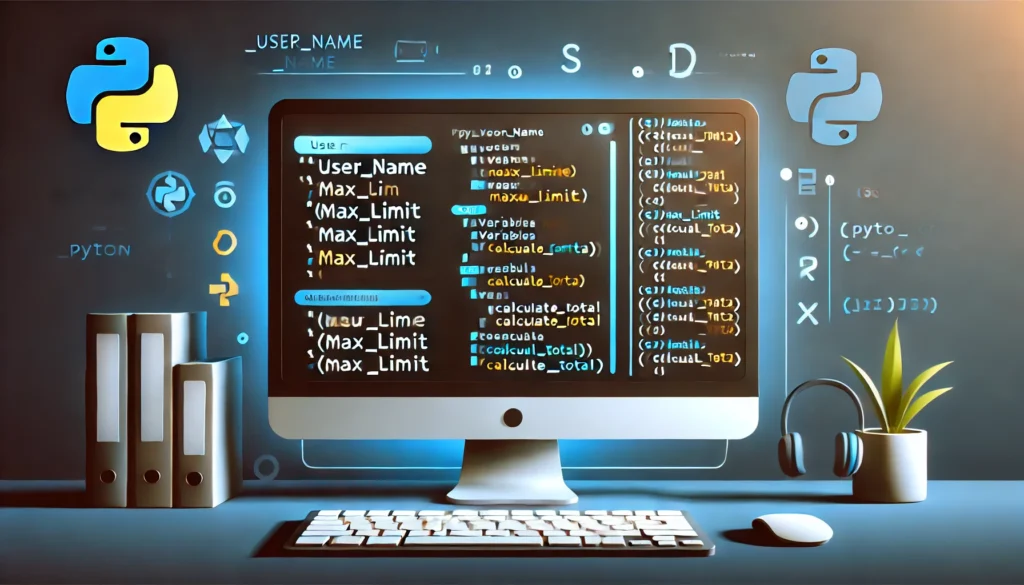
Let's talk about something simple but crucial in Python—Python naming conventions. Why does this matter? Because clear, consistent names make your code easier to read, understand, and maintain. When variables and functions have meaningful names, you (and others) can quickly grasp what the code is doing. But if names are inconsistent or vague, the code becomes a frustrating puzzle to decipher. Python follows an official style guide called PEP 8, which lays out clear rules for naming things properly. Sticking to these guidelines makes your code look professional, polished, and team-friendly—whether you’re working alone or as part of a team.